
Choose the Mac app or the iPhone and iPad app for the devices where you do the work. They are separate purchases; one purchase of the iPhone and iPad app covers both devices. This guide focuses on first-session habits rather than an older release’s feature announcement.
Keep contact account setup and provider synchronization separate from layout and editing choices. Compact Contacts works with records exposed by Apple’s Contacts framework.
Explore with fictional records
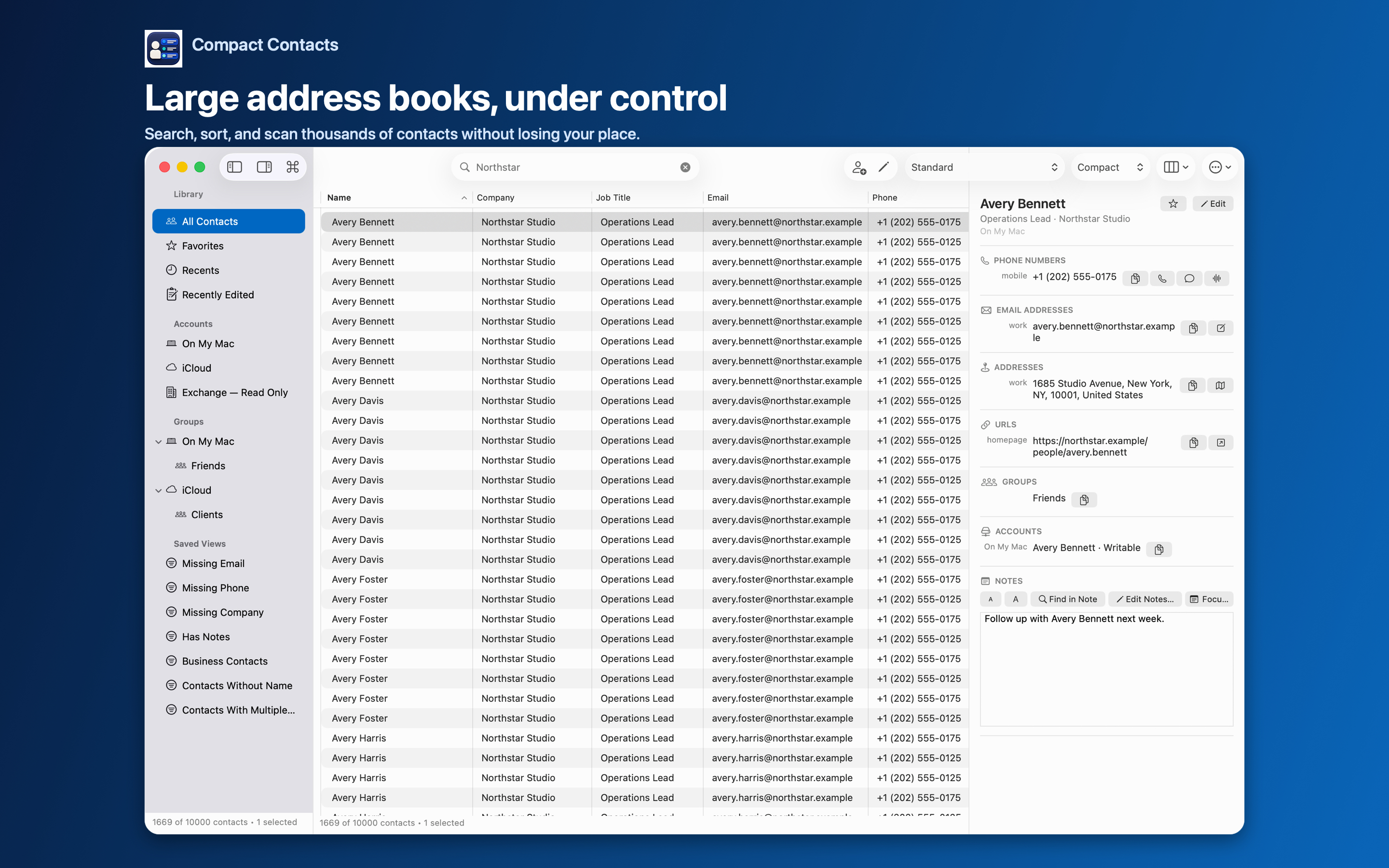
Choose View Sample Contacts to learn the table, Inspector, search, and available actions. The sample workspace is temporary. It does not test real provider permissions or synchronization.
Verify real-contact access
- Grant Contacts access when ready and confirm which accounts and records are visible.
- Check one known record in Apple Contacts as well as Compact Contacts.
- Do not interpret an empty or restricted account as a reason to import another copy of the library.
Pick one workflow
On Mac, start with a readable table layout and a useful saved filter. On iPad, choose an orientation that fits comparison or focused card work. On iPhone, start in the Contacts tab and turn the phone to landscape when you need the table. Then try a single-card edit before considering a batch operation.
Learn the recovery boundary before a cleanup
Back up important records and read the preview. Bulk Edit requires a manual recovery copy for real contacts; eligible Merge Studio operations have their own recovery history. Neither should be described as universal undo.
After an operation, check changed and skipped records locally. Verify provider synchronization separately if the result is needed on another device.
Questions people ask
Does the app need a developer account?
No developer contact account or contact cloud is required. Your system contact providers have their own account settings.
Is Sample Contacts a copy of my address book?
No. It uses fictional records and temporary changes.
Where should I check the current version and price?
Use the Mac or iPhone and iPad product page and its App Store link for the product you intend to buy.