
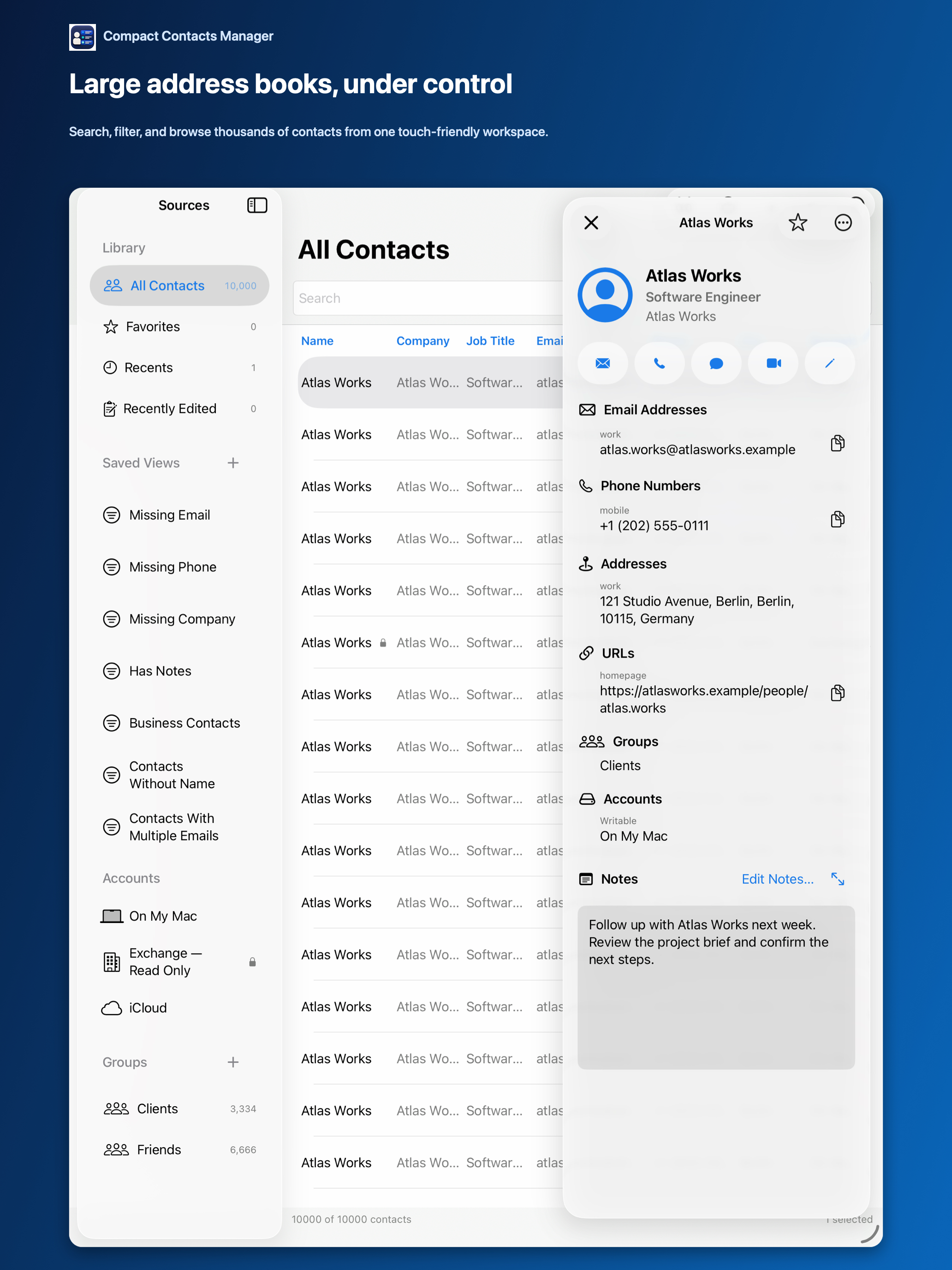
An address book app should fit the task you actually repeat. For occasional lookups, the built-in Contacts app may be enough. A denser workspace becomes useful when comparing companies, checking missing numbers, or updating a selected team.
Compact Contacts Manager uses contacts accessible to iPadOS. It does not create a developer-hosted address book, enrich records online, or replace the provider’s synchronization service.
Start with a layout suited to the job
- Use landscape to compare fields across rows; choose only the columns needed for the task.
- Use portrait and the detail view when concentrating on one card.
- A keyboard or pointer can help with longer sessions, but neither is required to use the touch interface.
- Check the account and selected count before any multi-contact action.
Preview a shared change
For a company rename or a supported field update, select a small batch and use Bulk Edit. Review old and new values, inspect skips, and save the required recovery copy before applying to real records.
Review duplicates rather than clearing a whole library
Since version 1.4, iPad includes Merge Studio for eligible real contacts. Choose the values that should survive, inspect the result, and verify the merged card. Encrypted recovery applies to eligible app-managed merges; it is not universal undo for every contact operation.
Matching names do not prove that two cards should be merged. Consider whether separate work and personal accounts are intentional.
Know the product boundaries
- Since version 1.6, Compact Contacts Manager is one universal iPhone and iPad app; one purchase covers both devices.
- The Mac app is a separate purchase; check current regional prices before buying.
- A restricted or read-only source remains restricted. Limited Contacts permission can also limit which records are visible.
- No shared CRM pipeline, contact enrichment, or developer-operated sync service is included.
Questions people ask
Do I have to move my address book to a new service?
No. Compact Contacts Manager uses contacts exposed by the system. Provider availability and permissions still apply.
Can I try the interface without granting real-contact access?
Use View Sample Contacts to explore fictional records. Sample changes are temporary.
Are my Mac saved layouts automatically shared with iPad?
Do not treat provider contact synchronization as layout synchronization. Saved views and interface settings are app preferences, not contact records.