Cisdem ContactsMate works on top of the Contacts app on a Mac. It scans for exact and partial duplicates and incomplete cards, keeps backups, and exports to more formats than most contact apps, from CSV and vCard to Excel, Numbers, and Word.
This guide compares it with Compact Contacts using what Cisdem publishes on its own pages and on the Mac App Store as of November 2026.
How the two apps differ
| Question | Cisdem ContactsMate | Compact Contacts |
|---|---|---|
| Price on Cisdem’s store | One-year subscription $29.99, one-time purchase $49.99, or a business license $64.99 for one Mac; more for 2 or 5 Macs | — |
| Price on the App Store | Free download; export, fixing problem contacts, and printing need a subscription ($29.99 a year) | $24.99 once for Mac; $14.99 once for iPhone and iPad |
| Devices | Mac, plus a separate Windows app; no iPhone or iPad app | Mac, iPhone, and iPad |
| Where contacts live | The Contacts app on the Mac and the accounts it uses | Apple Contacts and the accounts it syncs |
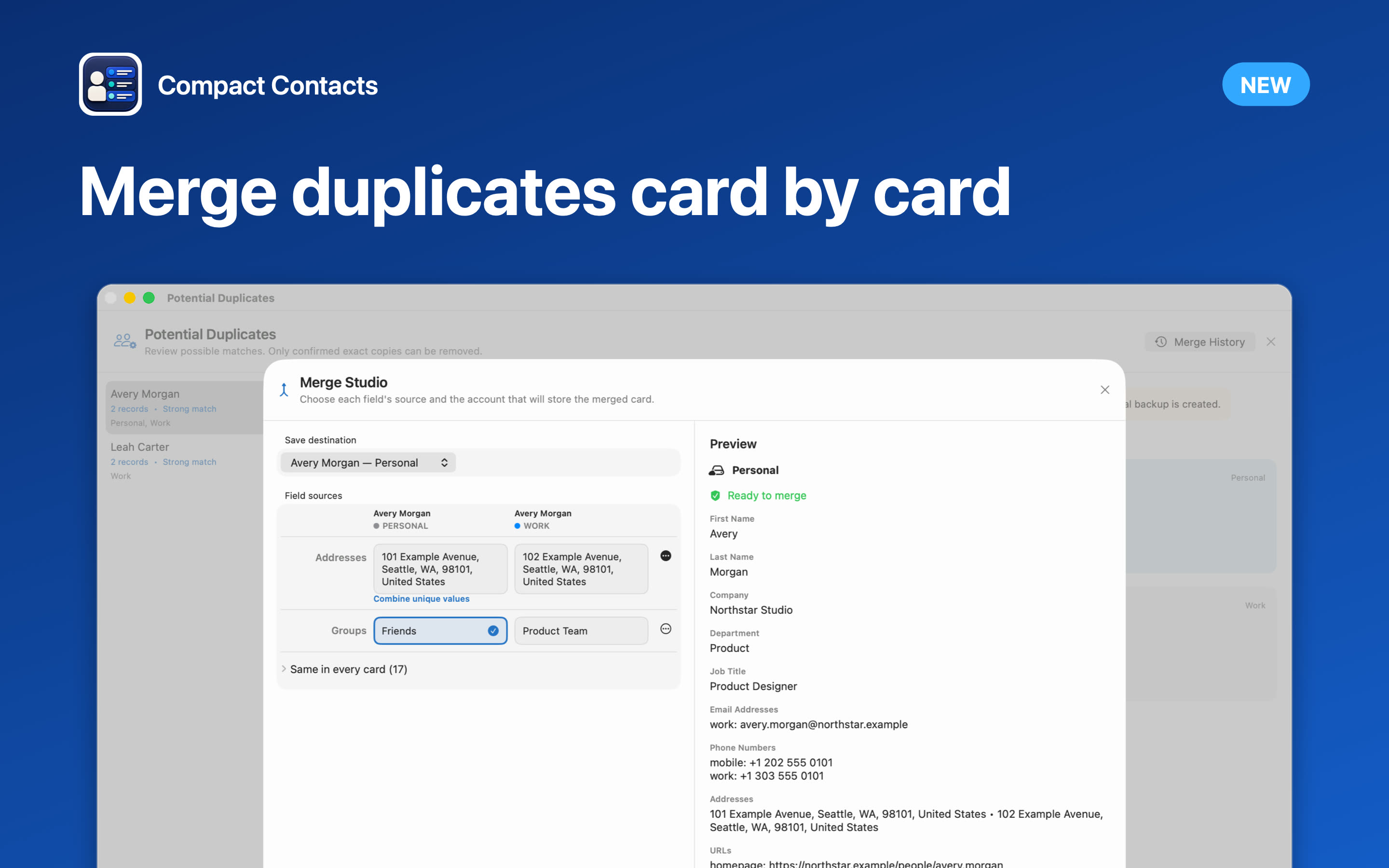
| Duplicates | Finds exact and partial duplicates; merge, edit, delete, or ignore | Duplicate review by email, phone, or name and company; field-by-field Merge Studio; Undo for 30 days |
| Export | CSV, Outlook CSV, vCard, TXT, Excel, Numbers, Pages, DOCX, HTML | CSV and vCard, with a preview of scope and count |
| Everyday view | Contact list with an info panel and a menu bar version | A sortable table with chosen columns, Smart Views, and Notes search |
ContactsMate fits well if
- You need exports in office formats such as Excel, Numbers, or Word.
- You want a built-in backup history for each contact source.
- You also manage contacts on a Windows PC.
Compact Contacts fits well if
- You compare and fix many contacts in a table rather than one card at a time.
- You want saved cleanup lists, such as everyone missing a phone number, that stay current.
- You want to undo a merge days later.
- You want the same workflow on iPhone and iPad.
Check how recently each app was updated
A contact app depends on Apple’s Contacts framework, which changes with each macOS release. As of November 2026, the newest version on Cisdem’s release-notes page is 6.8.1 from August 2024. Check the release notes and the App Store listing for a newer build before you buy any contact app.
Whichever you choose
- Export a full copy first. Duplicate cleanup changes synced data on every device.
- Try it on a small set. Merge one group, check the result on another device, then continue.
- Read the price page carefully. Subscription, one-time, and per-Mac licenses add up differently over a few years.
Questions people ask
Is ContactsMate a subscription?
On the App Store it is free to download with a yearly subscription for export and fixes. Cisdem’s own store also sells a one-time license per Mac.
Does Compact Contacts export to Excel?
It exports CSV, which Excel, Numbers, and Google Sheets open directly.
Can I use both apps?
Yes. Both work with the contacts in Apple Contacts. Run large cleanups in one app at a time and let your account sync in between.