
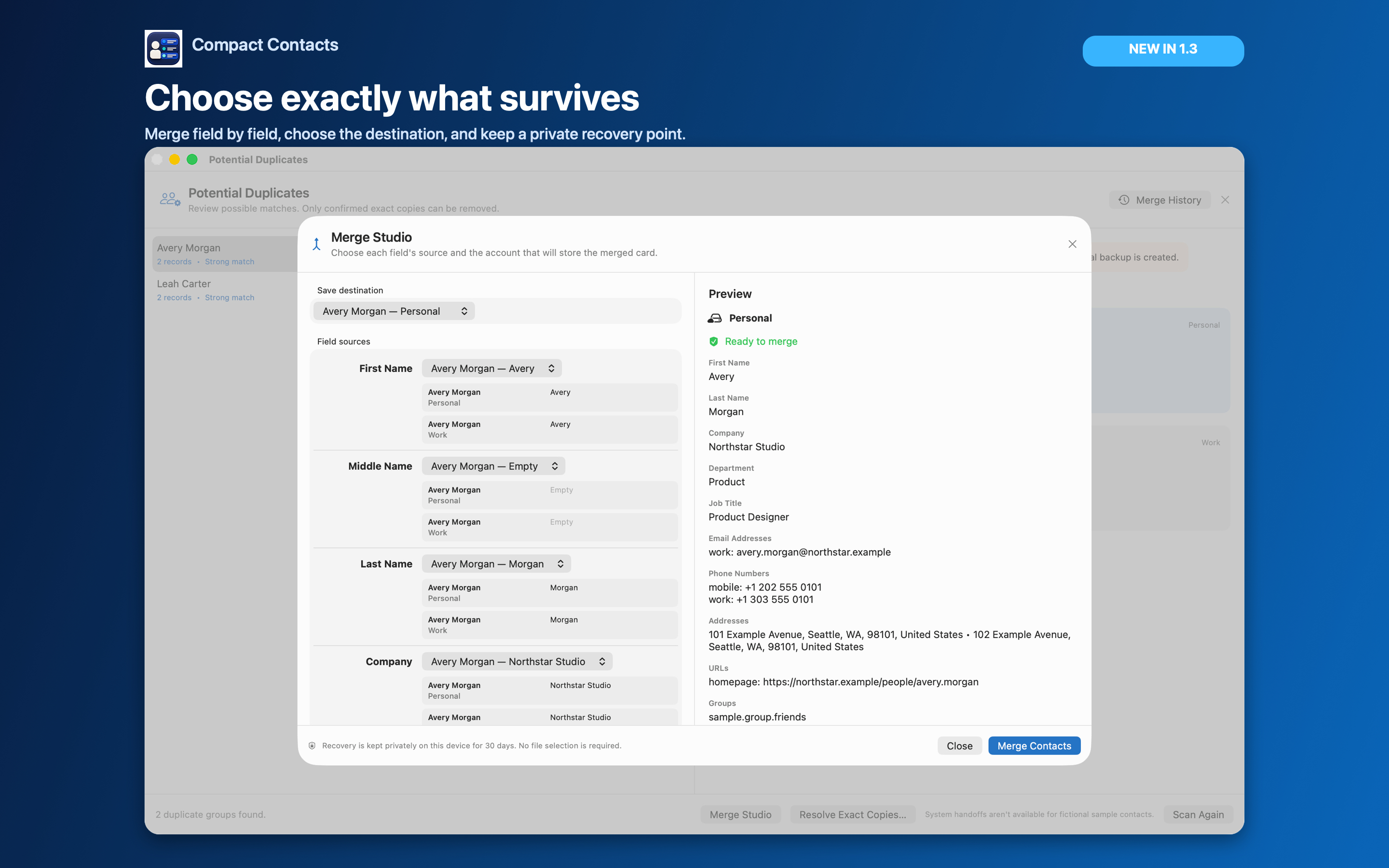
Duplicate contacts rarely look identical. One card has the mobile number, another has the work email, a third came from an old import with a misspelled company. Automatic cleanup tools guess; a review lets you decide.
Compact Contacts separates finding from fixing. The scan changes nothing; each group is only a suggestion until you act on it.
Run the scan
- Start the scan. Choose Contact › Find Potential Duplicates… or open it from the Command Palette. Progress shows how many candidate groups have been checked; you can cancel at any time.
- Read the reason. Each group says why it matched: Same email, Same phone, or Same name and company. It is marked Strong match or Review.
- Compare the records. Select a group to see its cards side by side, including which account each card belongs to.
Choose an outcome for each group
| Situation | Action |
|---|---|
| Same person, different details on each card | Merge Studio: choose each field, preview, merge with 30-day undo |
| Exact copies in one writable account | Resolve Exact Copies with a recent archive |
| Different people sharing a phone or office email | Keep both; no action |
| Cards in different accounts you want to keep separate | Link them in Apple Contacts instead |
Limits worth knowing
Since version 1.5, groups larger than 100 cards sharing one value are not offered; a shared switchboard number is not a duplicate signal.
The scan compares values the app can see. Photos and some provider-specific fields are not compared, which is why exact-copy removal needs a recent archive.
Questions people ask
Does the scan change any contacts?
No. Scanning is read-only. Changes happen only when you choose Merge Studio or Resolve Exact Copies and confirm.
Why are two obvious duplicates not grouped?
They may share no exact email, phone, or name-and-company value. Search for the person and compare manually.
Is duplicate review available on iPad?
Yes, with the same rules and Merge Studio.