
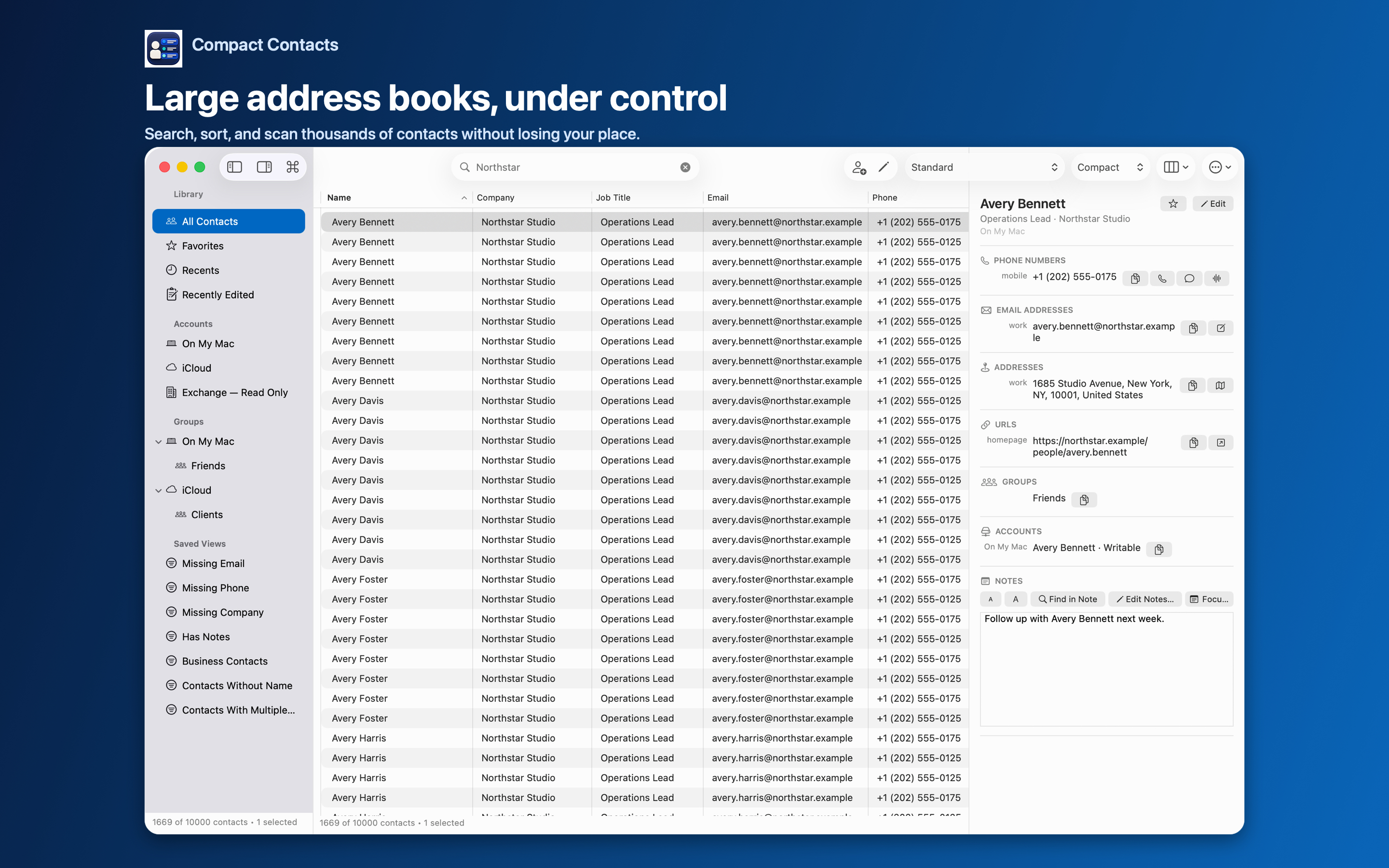
Contact apps look similar in screenshots. The differences show up the first time you change fifty records or share a list. These seven questions surface them before you buy.
Seven questions
| Question | Why it matters | Compact Contacts |
|---|---|---|
| Where are contacts stored? | A second database must be kept in sync | System Contacts database |
| Can I try it without my data? | Low-risk evaluation | Sample Contacts |
| Are bulk changes previewed? | Mistakes sync everywhere | Before-and-after preview, recovery vCard |
| How are duplicates handled? | Automatic merges lose data | Read-only scan; you choose fields; 30-day undo |
| Are Notes supported and protected? | Notes are sensitive | Readable and searchable; excluded from exports by default |
| Is there a table view? | Comparing many records | Yes, with saved layouts |
| How is it priced? | Total cost over years | One-time: $24.99 on Mac, $12.99 on iPhone and iPad |
Red flags
- Automatic cleanup that runs without showing you each change.
- Required account or cloud upload for basic features.
- Exports that include Notes without asking.
- No way to undo a merge.
Decide with a small test
Whatever you choose, test one real task: rename a company on five contacts, merge one duplicate, export one group. How the app handles that small task predicts how it will handle a large one.
Questions people ask
Is Apple Contacts enough?
For looking people up and occasional edits, yes. Tools like Compact Contacts help with comparing, cleaning, and exporting many records.
Does Compact Contacts replace Apple Contacts?
No. It works on the same database; you can use both.
Is there an iPad version?
Yes, Compact Contacts Manager, sold separately.