
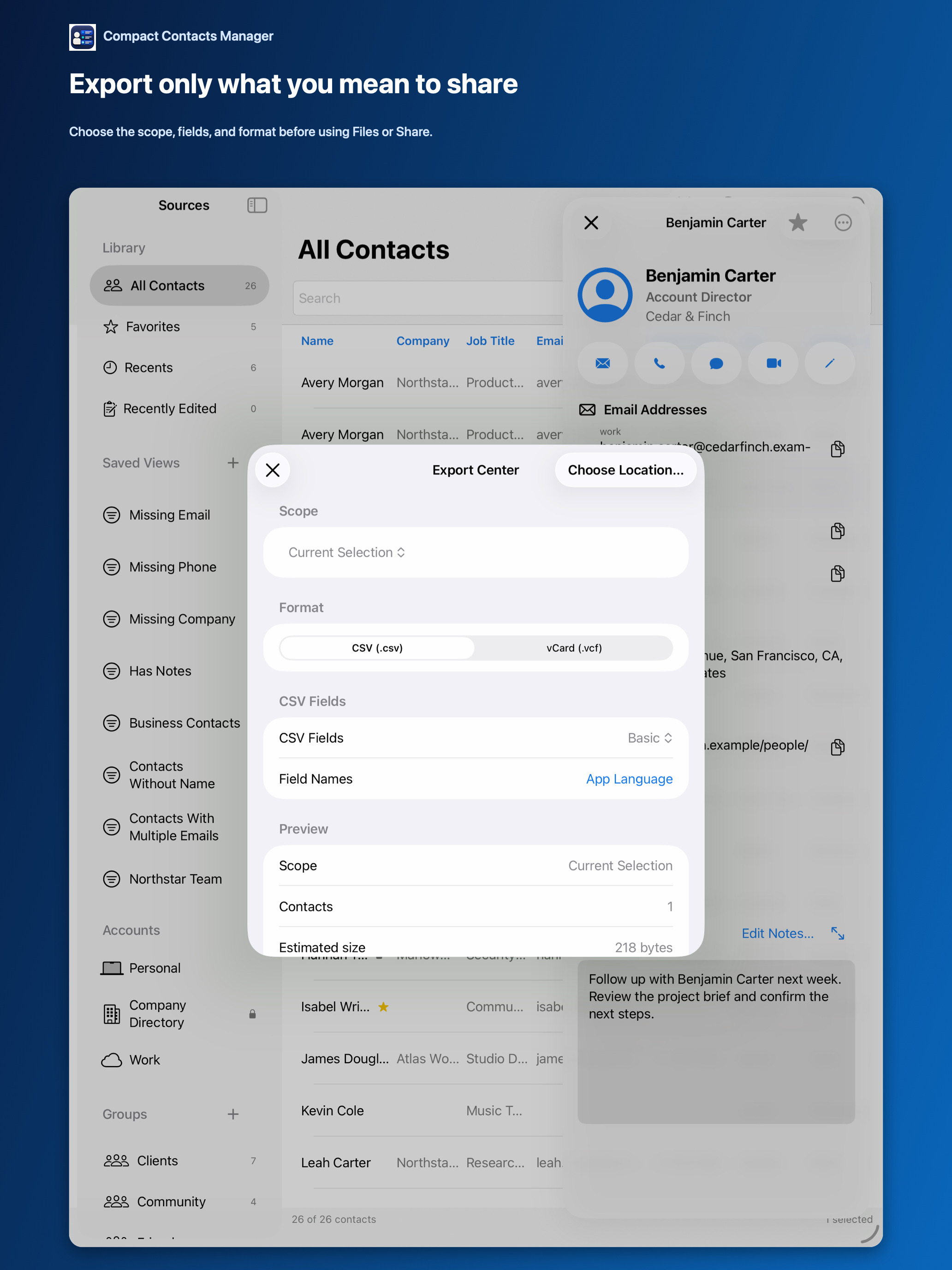
Notes are where people write what they would not say to the contact: “slow to pay,” “going through a divorce,” “prefers not to be called before noon.” Many vCard exporters include them without asking.
Once a vCard is sent, you cannot recall it. Deciding about Notes before exporting is the only point of control.
Default behavior in Compact Contacts
| Format | Notes |
|---|---|
| CSV | Never included |
| vCard | Excluded unless you turn on Include Contact Notes |
| vCard with Notes | Preview warns: share only with people you trust |
When including Notes makes sense
- Moving your own contacts to another device or app you control.
- Handing a client list to a colleague who takes over the relationship and needs the history.
- A backup you will keep privately.
Before you include them
- Search the Notes. With Notes search on, look for sensitive words in the export scope.
- Narrow the scope. Export a selection or a Smart View, not all contacts.
- Tell the recipient. Say the file contains private notes and how it should be stored.
Questions people ask
Why can’t I include Notes at all?
The switch appears only when the app has verified Notes access on your device.
Do recovery backups include Notes?
Yes. Deletion backups include available Notes so nothing is lost.
Does the recipient see Notes in Apple Contacts?
Yes, if they import a vCard that contains them.