
A name is often the detail you have forgotten. The thing you remember may be a project, a restaurant, a family connection, or a follow-up sentence saved in the Notes field.
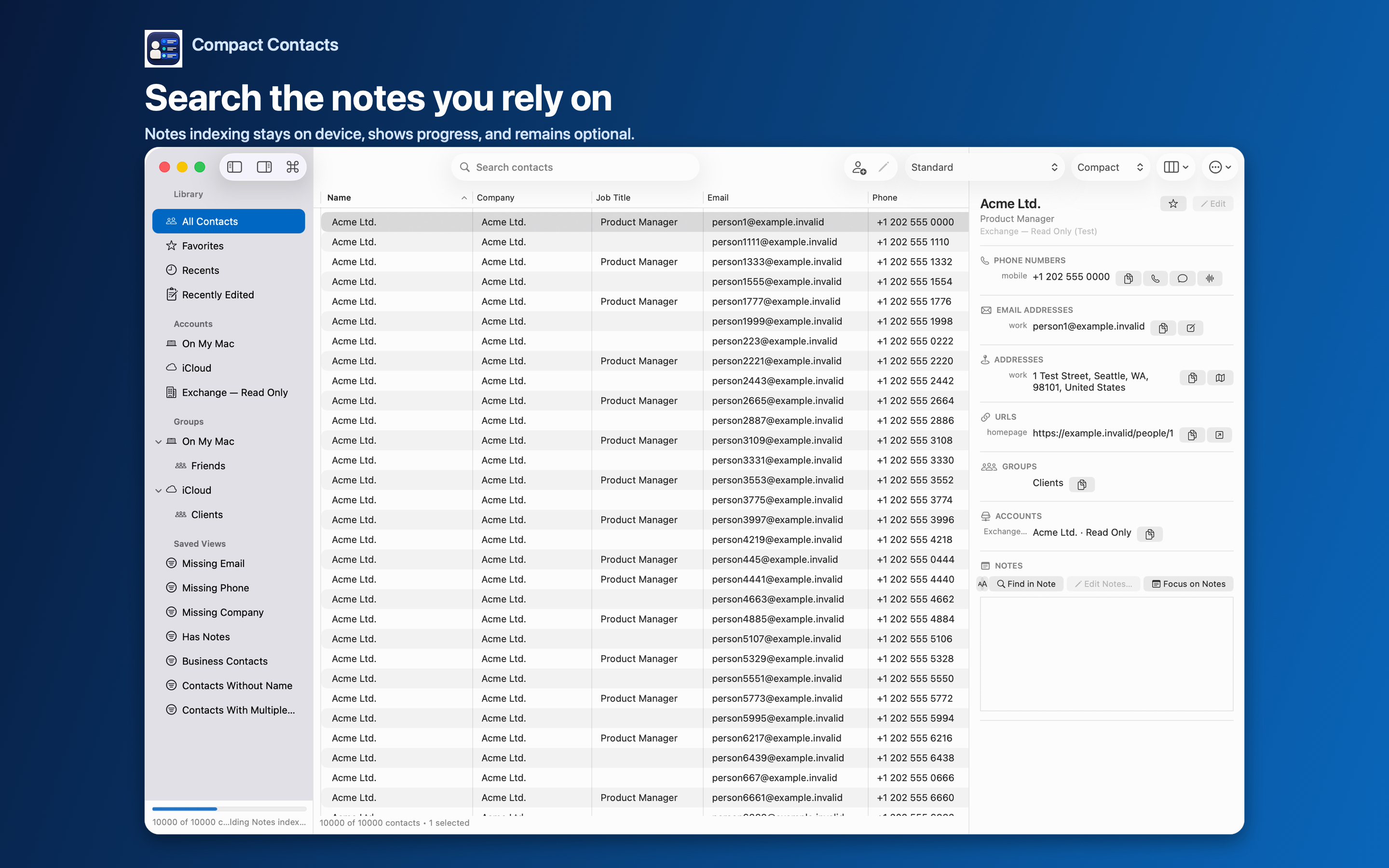
Compact Contacts keeps Notes search optional. Since version 1.3, the main contact list loads first, accessible Notes are indexed separately in memory, and progress is shown while that work continues.
Enable Notes search deliberately
- Open Settings. Turn on Include Notes in Search. Normal contact search remains local; the Notes option determines whether accessible Note text joins the in-memory index.
- Watch the progress state. The app distinguishes reading Notes from building the Notes index. A Notes-only query may remain incomplete until the indicator finishes.
- Search a distinctive phrase. Use a remembered phrase, uncommon project name, place, or other specific clue, then open the result and verify the Note.
- Disable the option when desired. Turning Include Notes in Search off cancels pending Notes work and purges Notes from the in-memory index.
What happens with thousands of contacts
Since version 1.3, the app avoids a second full Contacts enumeration during Notes indexing and updates only the Notes projection of the already-loaded contact snapshot. The work remains cancellable and reports progress instead of leaving one indefinite busy state.
The indexing path was exercised with synthetic libraries at 6,719, 10,000, 20,000, and 50,000 contacts, including a dense 10,000-Note corpus. Real time still varies with Note length, account provider behavior, hardware, and the data Apple exposes.
Important: If the indicator remains active unusually long, leave the app open briefly, confirm the count is advancing, and report the platform, app version, contact count, and progress state without sending real Note content.
Read grouped results in version 1.5
Compact Contacts 1.5 on Mac and iPad groups search results under the field that matched: Name, Phone, Email, Company, Address, Notes, and Other. A contact whose Note mentions a phrase appears under Results from Notes, so you can tell it apart from a contact whose name or company happens to contain the same word.
The A–Z strip is hidden while results are grouped. Clear the search to return to the normal alphabetical list.
Special characters are part of the search model
Search normalization is locale-aware and supports Unicode text. Case, diacritic, and full-width variants are normalized where appropriate, while Turkish dotted and dotless I behavior is preserved by locale. Chinese, Arabic, emoji, and other Unicode text remain searchable rather than being stripped.
Normalization improves matching; it does not translate Notes or infer synonyms. A distinctive phrase still produces a more useful result than a common word.
Privacy and provider boundaries
The Notes index is derived in memory and is not uploaded to a Compact Contacts server. The app has no developer contact cloud, advertising, or third-party analytics.
Only Notes that Apple’s Contacts framework and the owning account make available can be indexed. A visible contact may still have a missing, restricted, or read-only Note field.
Questions people ask
Does Compact Contacts upload my Notes for search?
No. Accessible Notes are indexed on the device in memory and are removed from that index when Notes search is disabled.
Why can I search names before a Note appears?
The base contact list and search index load first. Notes are an optional second phase, so Notes-only matches become complete when its progress indicator finishes.
Will accents or non-Latin text break search?
The search normalizer is Unicode- and locale-aware, including diacritics, Turkish case pairs, Chinese, Arabic, and emoji. Provider access can still determine whether a particular Note is available.