
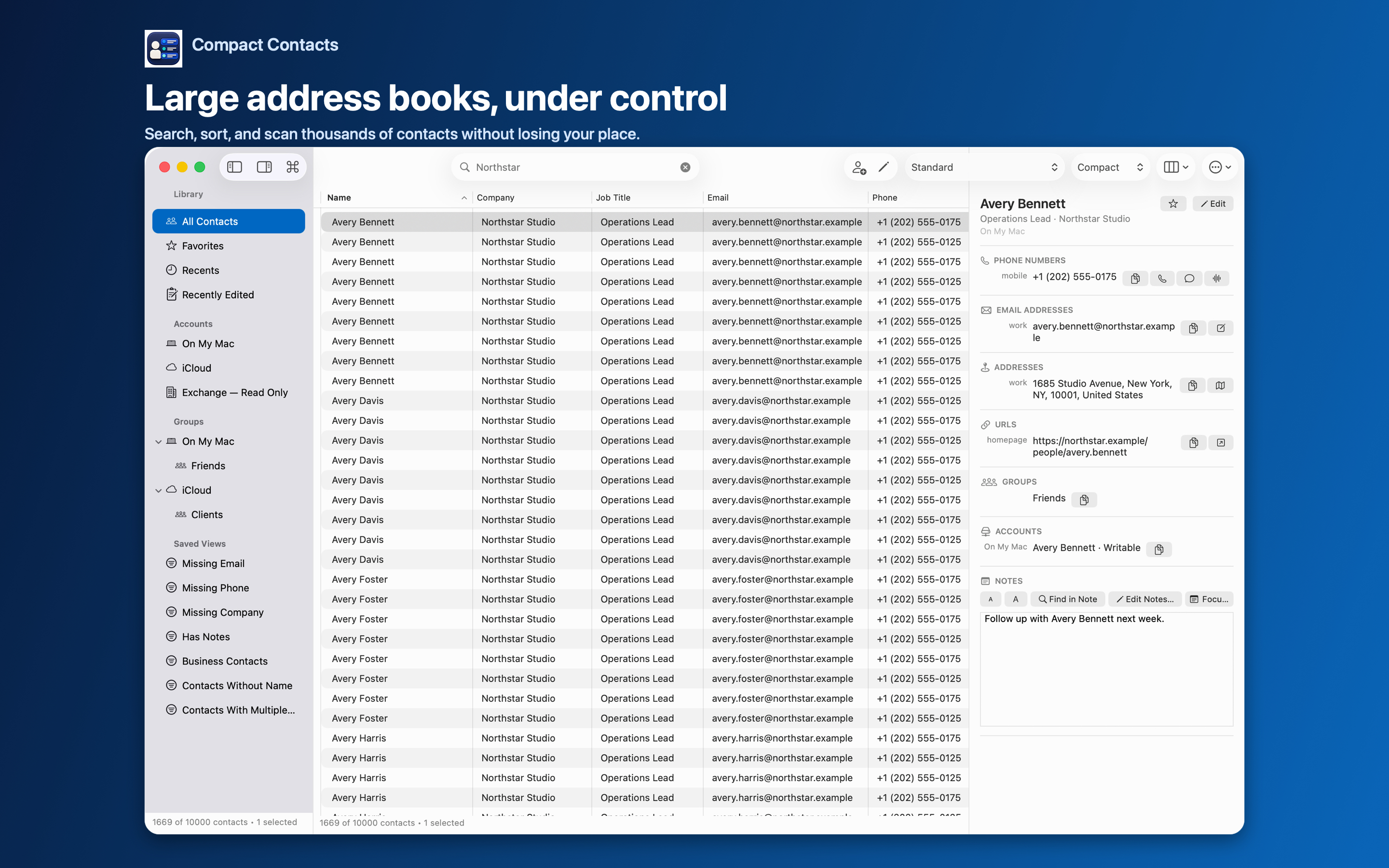
Granting a new app access to your contacts before you know how it behaves is a leap of faith. Most apps give you no alternative.
Compact Contacts ships with Sample Contacts, a fictional workspace that lets you try every major workflow first.
What is in the sample
A banner reads “Sample Contacts — fictional contact changes are temporary and never affect Apple Contacts.”
- 26 fictional contacts in three sample sources and four groups.
- Favorites, Recents, Smart Views, and duplicate candidates to practice with.
- Reserved .example email domains and non-routable phone numbers.
Things worth trying
- Search and filter. Search by company, open a Smart View, and change the columns.
- Bulk Edit. Change the company on several cards and read the preview.
- Duplicates and Merge Studio. Run the duplicate scan and merge two sample cards, then undo it.
- Export. Export a Smart View as CSV to see the file format.
Limits of the sample
Calls, messages, email, Maps, and Apple Contacts handoffs are disabled for fictional records so they cannot reach a real person. Copy and export still produce real files containing fictional data.
The sample does not test your real account permissions or sync. Changes vanish when you choose Reset Sample Contacts, Use My Contacts, or quit.
Questions people ask
Does Sample Contacts need Contacts permission?
No. It never reads from or writes to the Contacts database.
Is it on iPad?
Yes. Choose it during setup or from Settings.
Are my real contacts mixed in?
No. The sample is a separate, clearly labeled workspace.