
Personal CRMs promise to help you stay in touch: reminders, interaction logs, relationship scores. They usually keep their own database and often a subscription.
Many people who try one discover their real problem was simpler: they could not find people, the data was messy, or exporting a list was painful.
Match the tool to the problem
| You need… | Better fit |
|---|---|
| Follow-up reminders and pipelines | Personal CRM |
| Shared team contact records | CRM or shared address book service |
| Finding people by company, city, or note | Better address book |
| Fixing duplicates and inconsistent fields | Better address book |
| A quick CSV or vCard for someone | Better address book |
What an address book can already do
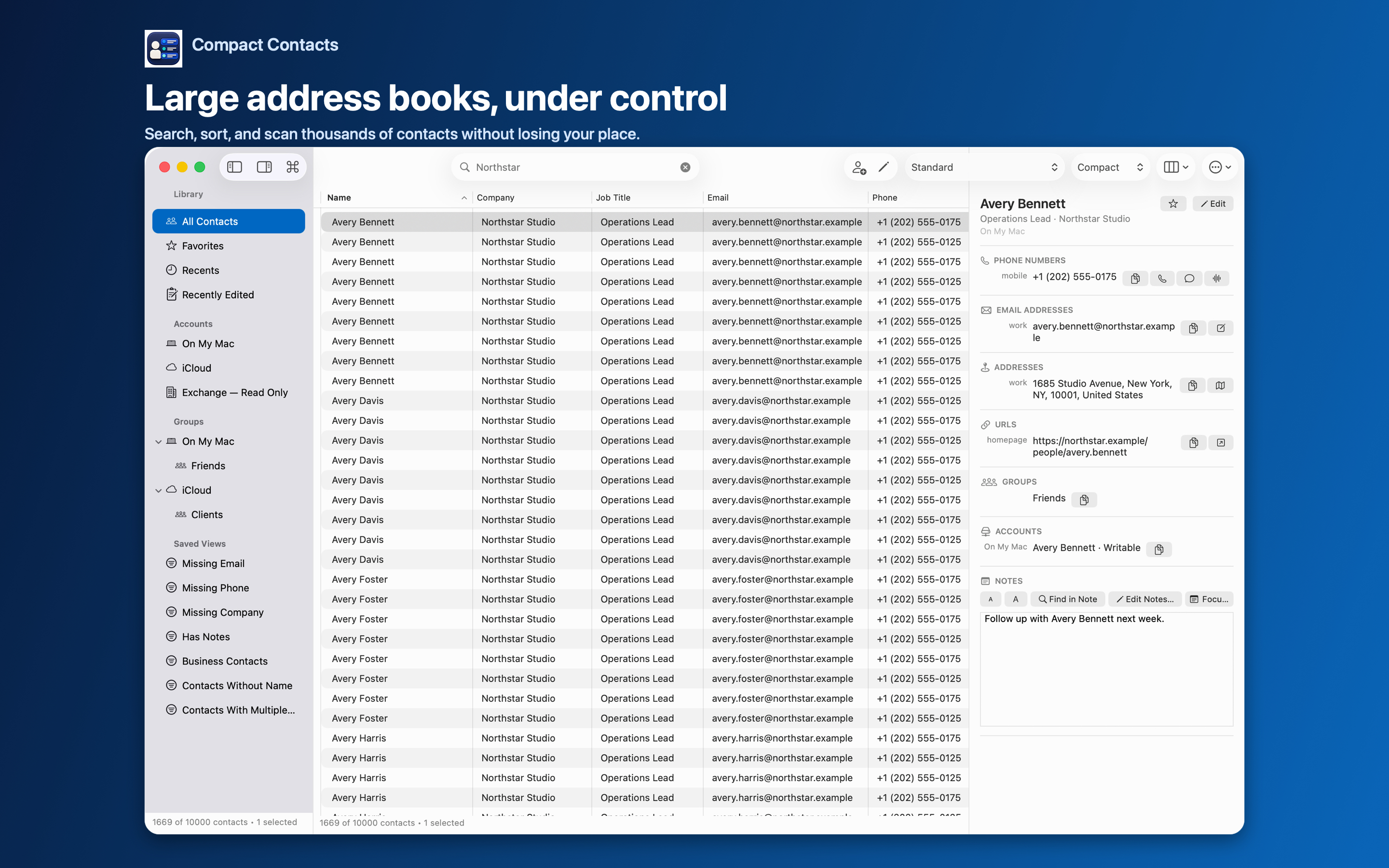
Apple Contacts stores Notes, groups, dates, and relationships. With a tool like Compact Contacts, Notes become searchable, groups and Smart Views organize people, and Bulk Edit keeps fields consistent.
Everything stays in the system database that your phone and other apps already use.
Costs to weigh
- A CRM’s database is another place your contacts live and must be kept in sync.
- Leaving a CRM means exporting and re-importing.
- An address-book tool adds no new data home.
Questions people ask
Can Compact Contacts remind me to call someone?
No. It has no reminders or tasks. Use Reminders or Calendar alongside it.
Can I use both?
Yes. Many people keep Apple Contacts as the source and use a CRM for a small subset.
Does Compact Contacts track interactions?
No. It does not read email, calls, or messages.