
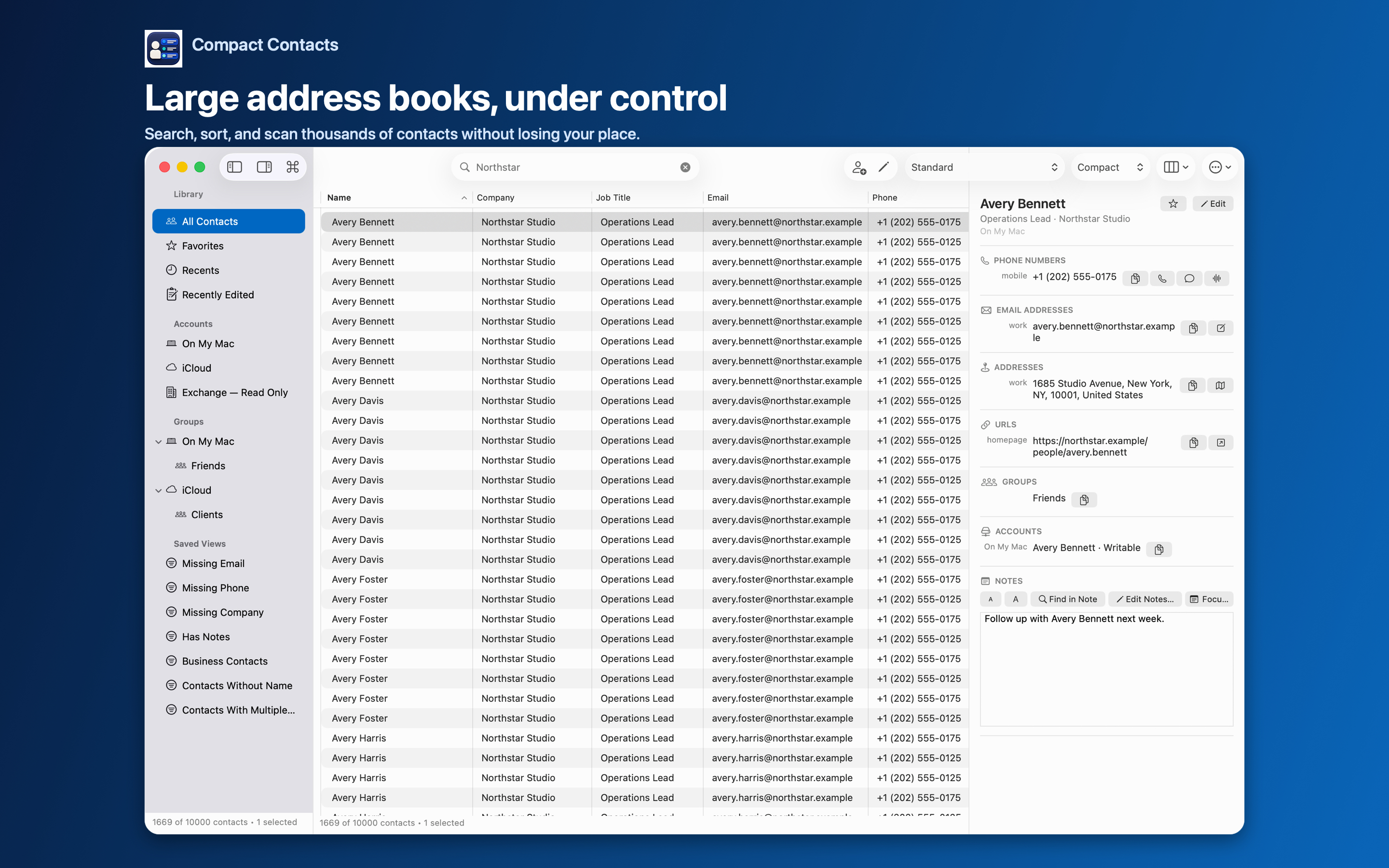
Subscriptions make sense when a developer runs servers for you: syncing, sharing with a team, enriching contacts with web data, or sending reminders. Each of those costs money every month.
If you only need a better way to view, search, clean, and export the contacts you already have, there is no server to pay for.
What a subscription usually pays for
| Feature | Needs a server? | Compact Contacts |
|---|---|---|
| Contact sync across devices | Yes, unless your provider does it | Uses your existing iCloud, Google, Exchange, or CardDAV sync |
| Team sharing | Yes | Not offered |
| Web enrichment of profiles | Yes | Not offered, by design |
| Search, filters, Bulk Edit, merge | No | Included |
| CSV and vCard export | No | Included |
What the one-time price covers
Compact Contacts for Mac is $12.99 once, with no in-app purchases, trials, or feature tiers. The iPhone and iPad app, Compact Contacts Manager, is a separate $12.99 purchase that covers both devices.
Updates so far have been free: 1.3 added Bulk Edit and Merge Studio, 1.4 added inline editing and previewed deletion, 1.5 added grouped search results and duplicate-value cleanup, and 1.6 brought the iPad app to iPhone at no extra cost for existing owners.
When a subscription app is the better choice
- You share one contact list with colleagues.
- You want reminders to stay in touch or a sales pipeline.
- You need contacts outside Apple’s Contacts database.
Questions people ask
Do I need to buy both the Mac and iPad apps?
Only for the devices you use. The Mac app and the iPhone and iPad app are separate App Store products; one purchase of the iPhone and iPad app covers both devices.
Is there a free trial?
There is no trial purchase, but Sample Contacts lets you try every workflow on fictional data before relying on the app.
Will future updates cost extra?
The app contains no in-app purchases. Pricing of future products is up to the App Store listing.