
Independent consultants juggle a few dozen active client contacts and hundreds of past ones. A full CRM is often overkill, but Apple Contacts alone makes it hard to see who belongs to which engagement.
A light structure on top of Apple Contacts covers most needs without another subscription or database.
A structure that stays small
| Need | Tool |
|---|---|
| Who belongs to client X | A native group per client |
| Who I have not filed yet | Smart View: Group missing |
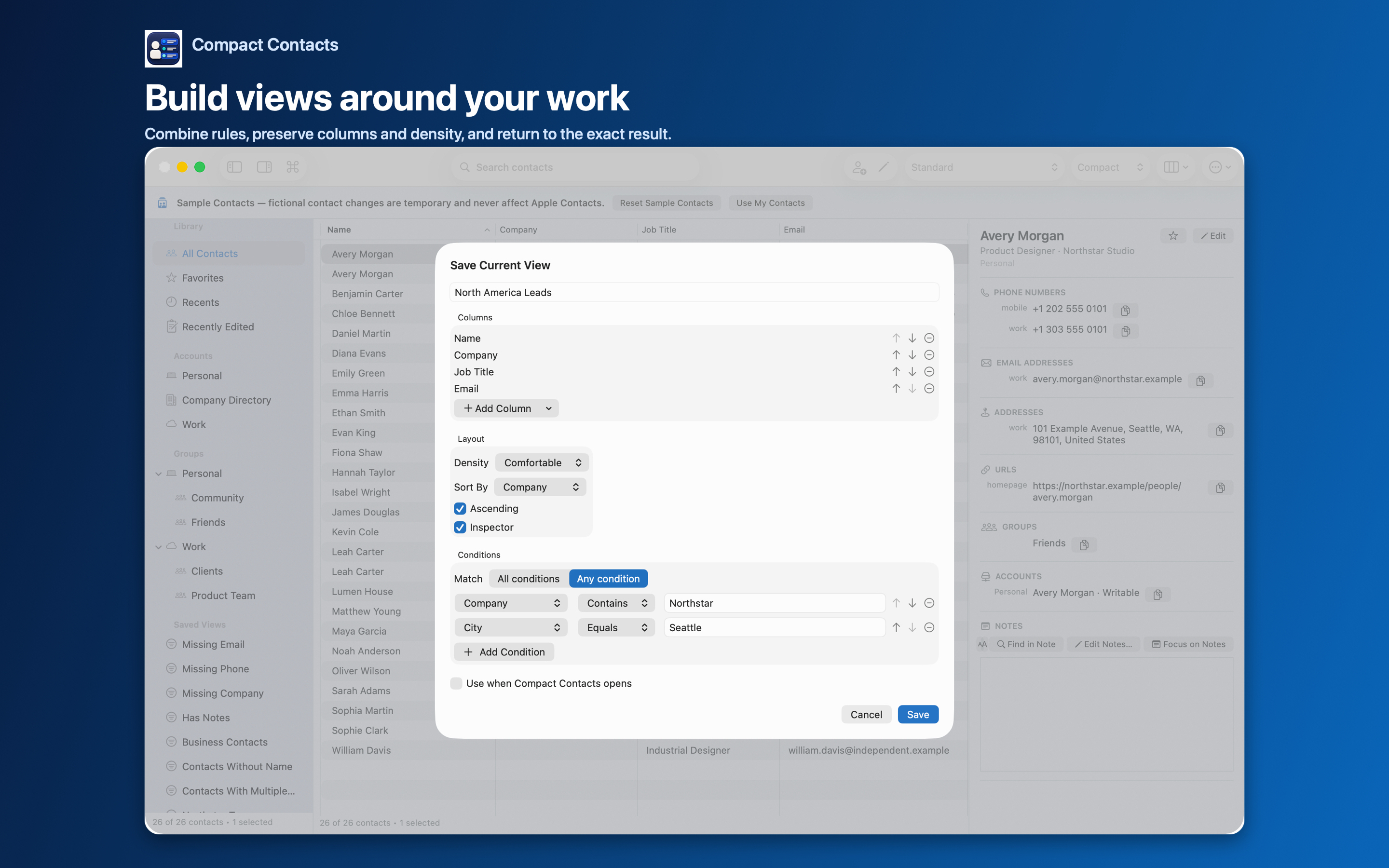
| All decision-makers | Smart View: Job Title contains Director or Head, Any condition |
| What we discussed | Contact Notes, searchable |
| Handover list | Export Center: group as vCard or CSV |
Notes as a lightweight history
Add dated lines to a contact’s Notes after meetings. With Notes search on, a phrase such as a project code finds every person involved.
Keep sensitive remarks out of Notes if you might share cards later, or remember that vCard export can exclude Notes.
When an engagement ends
- Update company and title. Use Bulk Edit if several people moved together.
- Export the group. Keep a vCard with the project files if your contract requires it.
- Archive the group. Rename it with the year, or remove members you no longer need to track.
Questions people ask
Can clients see my Notes?
Only if you send them a vCard with Notes included.
Will this work with my Google Workspace contacts?
Yes, if the account is added to macOS. Groups must be in the same account as their members.
Do I need the iPhone and iPad app too?
Only if you work on iPhone or iPad. It is a separate purchase with the same concepts, and one purchase covers both devices.