Before a mailing, a move to a new phone, or a client handover, you want to know whose card is incomplete. Apple’s Contacts app on iPhone has no way to list contacts without an email address or phone number.
Compact Contacts Manager ships with Smart Views for exactly these questions. A Smart View is a saved rule, so its list updates as your contacts change.
Use the built-in views
Other built-in views are Has Notes, Business Contacts, Contacts Without Name, and Contacts With Multiple Emails.
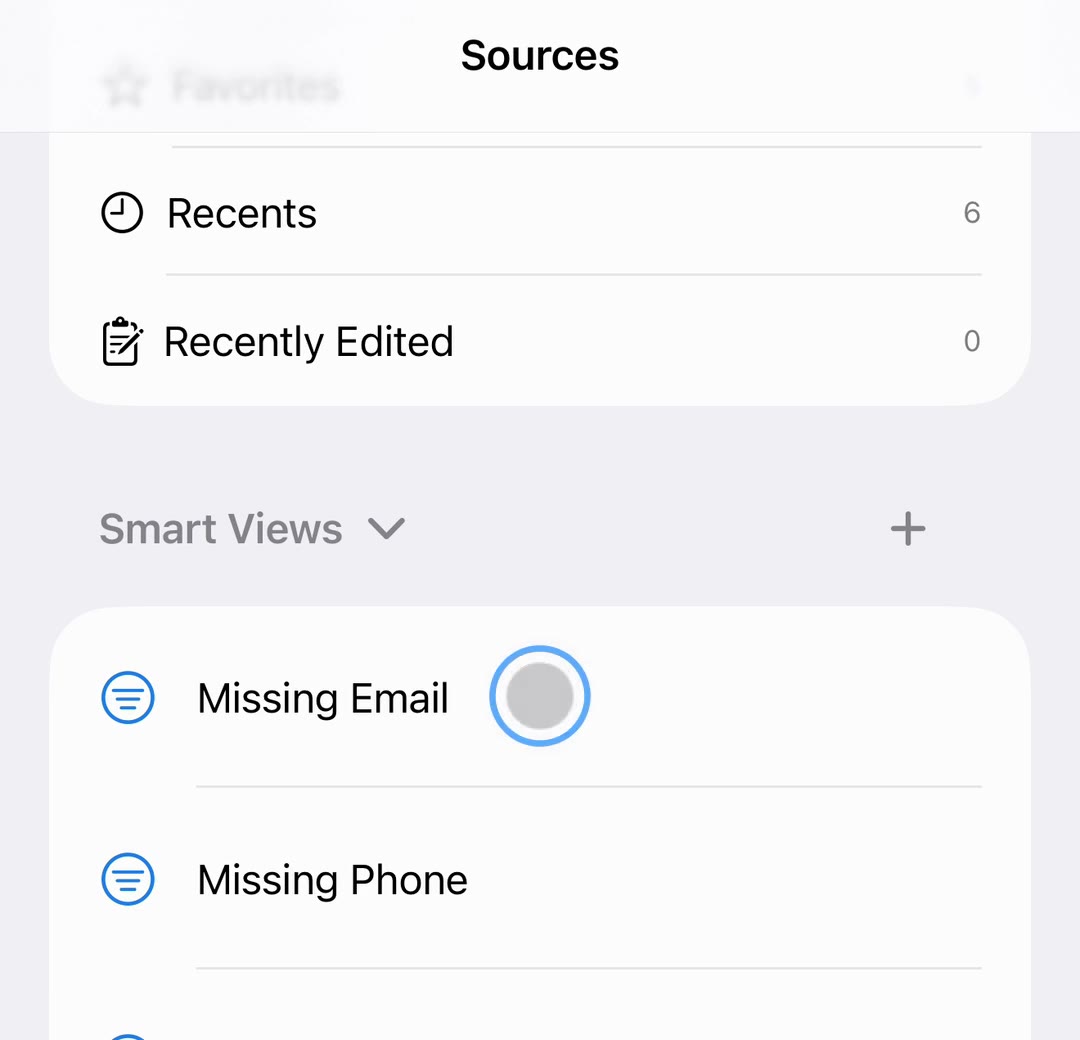
- Open the Lists tab. Scroll to Smart Views.
- Tap a view. Missing Email, Missing Phone, and Missing Company list the cards without that field, with a count of how many match.
- Fix as you go. Swipe left on a row and tap Edit, or open the card. A fixed contact leaves the view.
Make your own view
- Tap New Smart View…. It is in the Smart Views header, in Clean Up › Organize, and in the Search tab’s Actions.
- Name it and choose Match. With All conditions, a contact must match every rule; with Any condition, one rule is enough.
- Add conditions. For example Group equals Clients and Missing Phone exists. Text fields offer Contains, Does Not Contain, Equals, Is Not, Exists, and Missing.
- Choose sort and columns. A cleanup view can show the fields you are about to fill in.
Important: Smart Views store only rules and layout, never contact data. Deleting one removes the rule, not any contact.
Quick checks without a view
In the Search tab, the No Email and No Phone chips do the same filtering on top of whatever you typed, such as one company.
Fill in many cards at once
If many contacts miss the same value, such as a company name for one team, select them and use Bulk Edit with a preview instead of editing each card.
Questions people ask
Can I change a built-in Smart View?
Touch and hold it and choose Customize… to save an editable copy. Built-in views can also be hidden and restored from Settings.
Do Smart Views sync to my other devices?
No. They are stored in the app on each device. The contacts they show sync through your account as usual.
Does it check whether an email address still works?
No. It only checks whether the field is filled in. Nothing is verified online.