
Before a newsletter, an invitation, or a switch to a new email tool, it helps to know which contacts you cannot reach by email. Apple Contacts has no view for that.
Compact Contacts ships a built-in Smart View called Missing Email. It is a live filter over your system address book and changes as you add addresses.
Open and narrow the list
- Select Missing Email. It is in the sidebar under Smart Views. If you hid built-in views, restore them in Settings › Advanced › Restore Built-in Smart Views.
- Add columns that help you decide. Company, Phone, and Account show whether the contact is a business lead, a family member, or an old import.
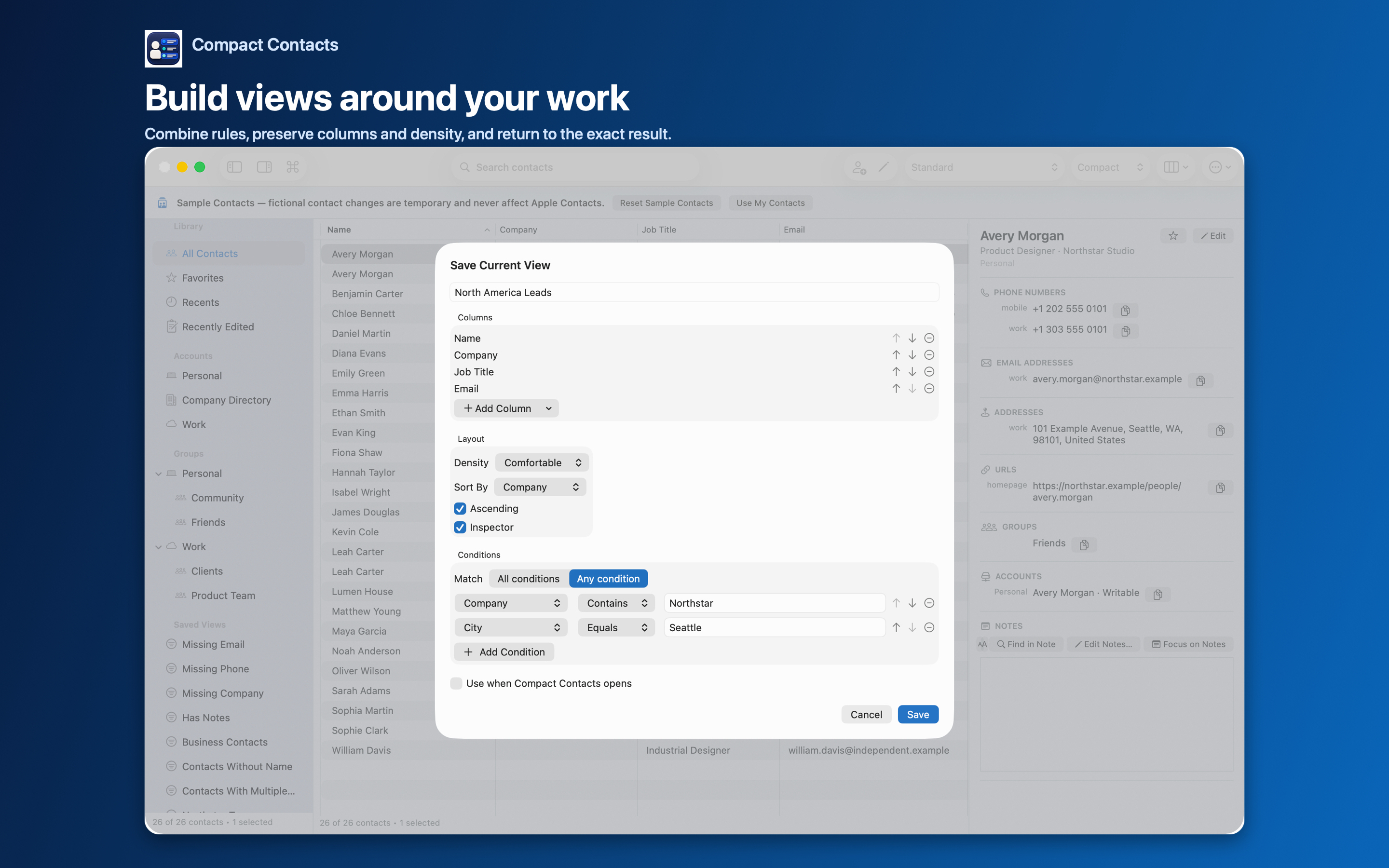
- Narrow with a custom view. To see only business contacts without email, create a Smart View with Missing Email plus Company Exists, matched with All conditions.
Decide per contact, not per list
- Add an email you can verify from a real message or signature.
- Leave the field empty when the person simply does not use email with you.
- Delete only contacts you have confirmed are obsolete, and back up first.
Important: A missing field is a question, not an error. Do not fill gaps with guessed addresses.
Related audits
The same approach works for Missing Phone and Missing Company. Together they give you a quick completeness check before any outreach.
Questions people ask
Why does a contact with an email still appear?
The address may live on a linked card in another account that is not accessible, or the list has not refreshed. Choose Contact › Reload Contacts (Shift-Command-R).
Does the view send anything to email providers?
No. It filters locally. Nothing is verified or looked up online.
Can I export this list?
Yes. Use Export Center with the Smart View as the scope, as CSV or vCard.