
An address book fills up over years from phones, email clients, imports, and business cards. Some cards have everything; many have a name and nothing else.
An audit turns “my contacts are a mess” into short lists you can work through: who has no phone, no email, no company, no name.
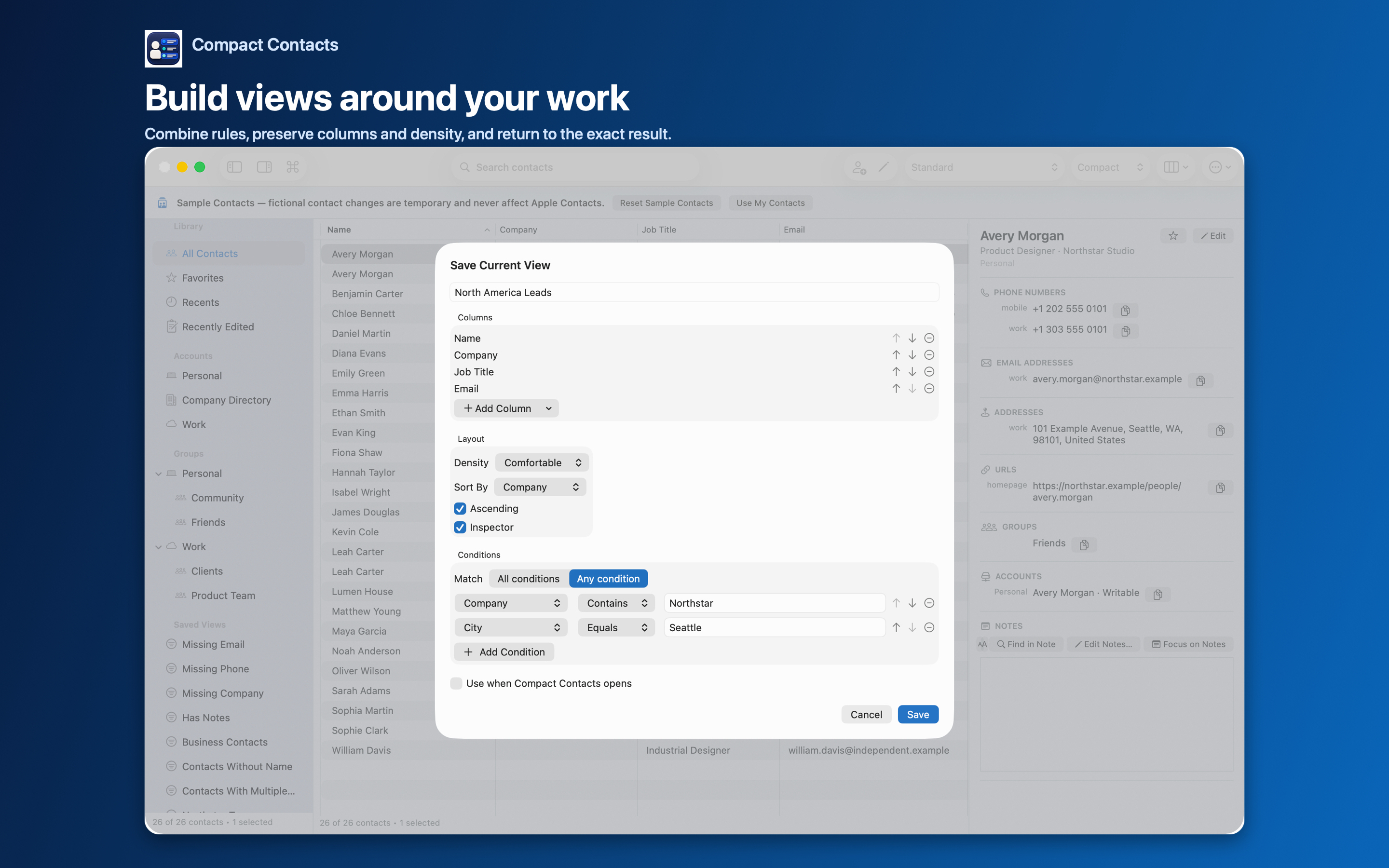
Built-in audit views
| View | Shows |
|---|---|
| Missing Phone | Contacts with no phone number |
| Missing Email | Contacts with no email address |
| Missing Company | Contacts with no company |
| Contacts Without Name | Cards with no name at all |
| Contacts With Multiple Emails | Cards that may need tidying |
| Has Notes | Contacts that carry written context |
Custom audits with Missing
Any text field accepts the Missing operator: Job Title, City, Country, Postal Code, Birthday, and more. Combine with All conditions, for example Company exists plus Job Title missing, to find business contacts without a role.
Date fields also support Within Next Days, which turns Birthday into an upcoming-birthdays view.
Work in a sensible order
- Nameless cards first. They are the hardest to recognize later. Add a name or delete confirmed junk after a backup.
- Then contact details. Missing Phone and Missing Email, for people you actually reach.
- Then organization. Missing Company and Job Title, for work contacts.
- Export the remainder. A CSV of what is still missing is a handy to-do list.
Important: Fill gaps only with information you can verify. A guessed email is worse than an empty field.
Questions people ask
Do these views change my contacts?
No. They are filters. Contacts change only when you edit them.
I hid a built-in view. How do I get it back?
Settings › Advanced › Restore Built-in Smart Views.
Does the audit work on iPad?
Yes. The same built-in views and conditions exist on iPad.