
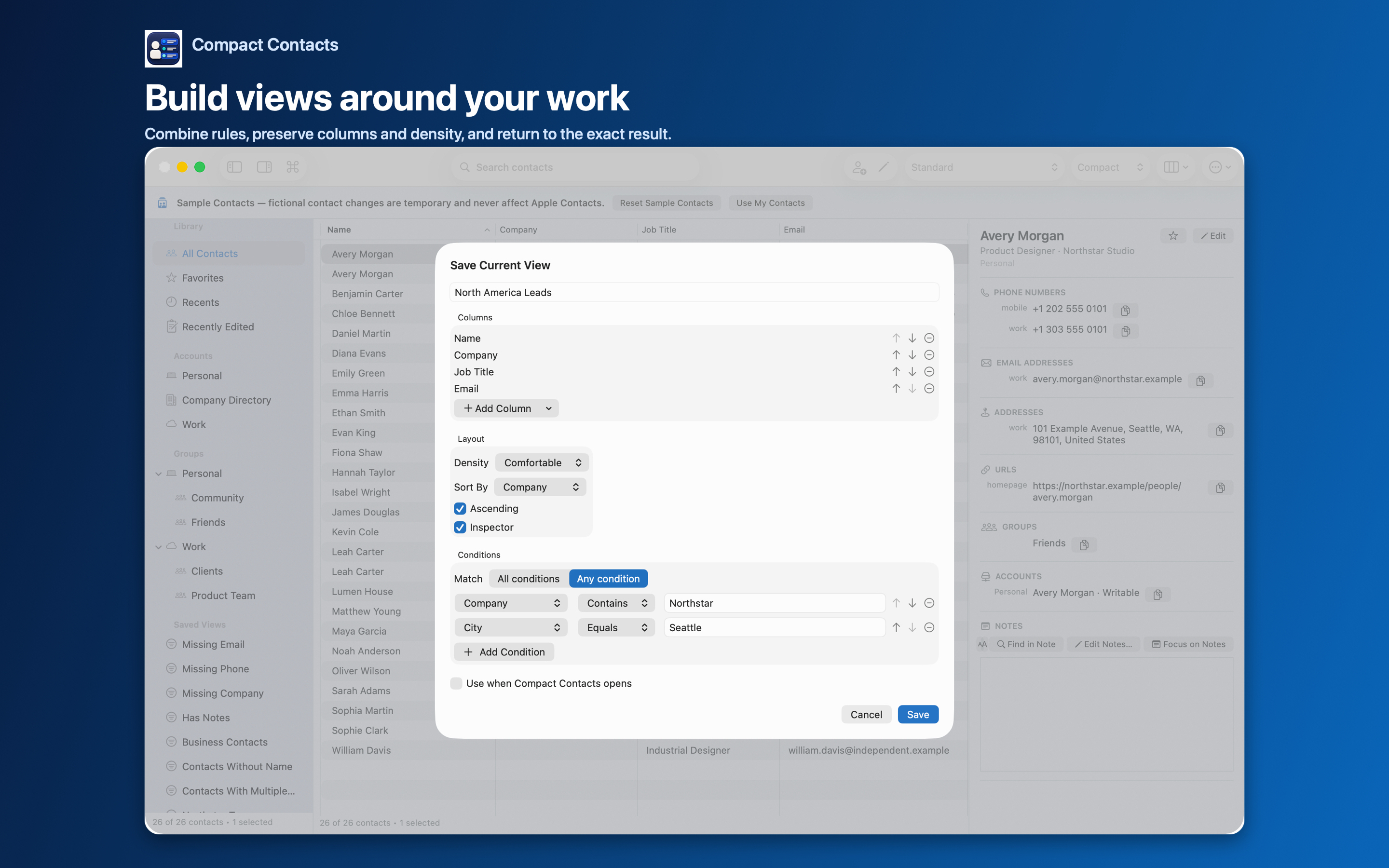
Most address books mix family, friends, colleagues, clients, and suppliers. Work contacts deserve structure: you look them up by company, you share them, and they change when people switch jobs.
Start with ownership
If work contacts live in a company Exchange or Google account, they are already separated by account. Show the Account column to see it. If everything is in iCloud, groups and Smart Views do the separating.
Make fields consistent
- Company. Sort by Company and unify spellings with Bulk Edit.
- Job Title and Department. Standardize the most common titles.
- Missing Company. Review work contacts that lack a company.
Views that pay off every week
| View | Conditions |
|---|---|
| Business Contacts | Built-in: contacts with a company |
| Team at a client | Company contains Northstar |
| Decision-makers | Job Title contains Director / Head / Chief (Any condition) |
| Work contacts without email | Company exists + Missing Email (All conditions) |
Questions people ask
Should I keep work contacts in a separate account?
If your employer provides one, yes: it keeps ownership clear when you leave.
Can I share a work view with colleagues?
Smart Views are personal. Export the view as vCard or CSV to share its contacts.
Does it work with Exchange directory contacts?
You can view and export them; directory records are usually read-only.