
Cleanups go wrong when they start with the most drastic action: mass merging or deleting. Working from gentle to drastic keeps every step reversible for as long as possible.
The checklist
- Back up. Export a Contacts Archive from Apple Contacts and note the date.
- Audit. Open Contacts Without Name, Missing Phone, Missing Email, and Missing Company. Note the counts.
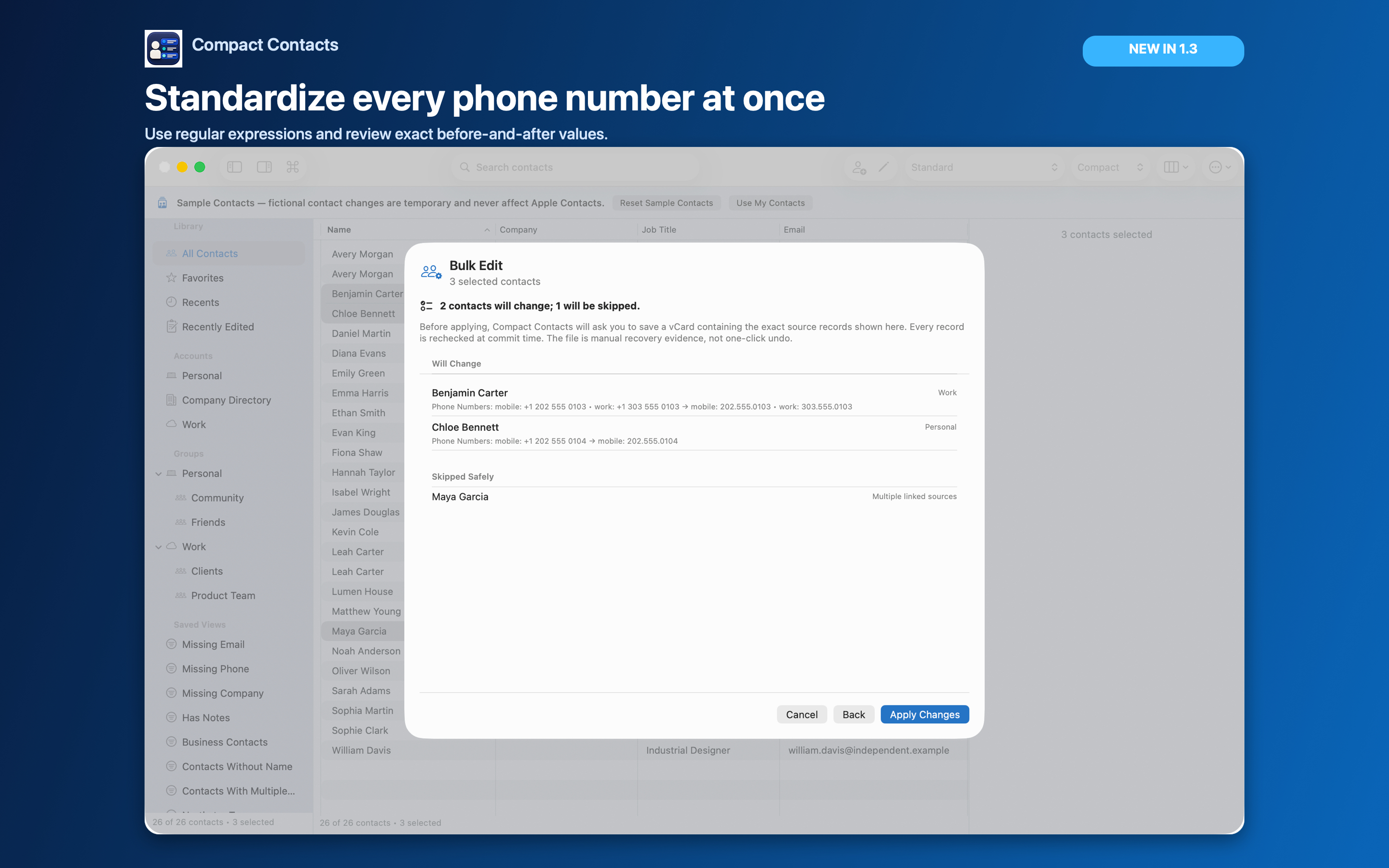
- Standardize fields. Fix company names and job titles with Bulk Edit, one field per pass.
- Remove repeated values. Use Remove duplicate values for phones and emails on cards that list them twice.
- Review duplicates. Run Find Potential Duplicates and merge real duplicates in Merge Studio.
- Delete last. Remove exact copies or confirmed junk only with fresh backups.
- Verify. Check Recently Edited, spot-check cards, and look at your iPhone after sync.
Why this order
Standardizing first makes duplicates easier to recognize: “Northstar Inc.” and “Northstar” become the same company before the scan compares them.
Merges can be undone for 30 days; deletions cannot. Leaving deletion to the end means fewer of them.
Keep it sustainable
- Spread the work over several short sessions.
- Save the audit views; they become your monthly routine.
- Keep backups until you are sure nothing is missing.
Questions people ask
How long does a cleanup take?
For a thousand contacts, a few focused sessions. The audit counts tell you where the work is.
Can I practice first?
Yes. Sample Contacts lets you run every step on fictional data.
Does the checklist work on iPad?
Yes. On iPad, a full vCard export replaces the Contacts Archive.