
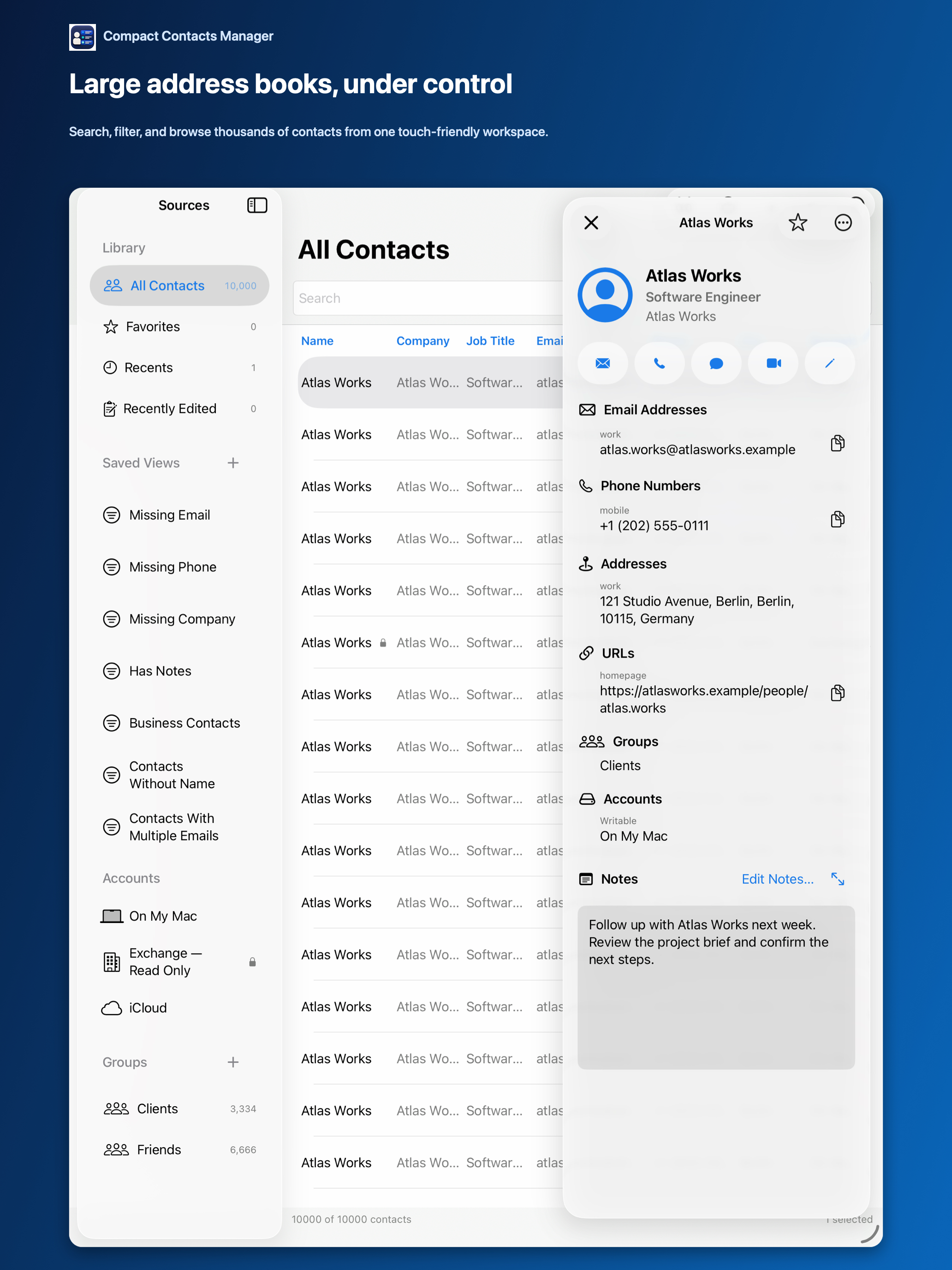
Compact Contacts started on the Mac. Since version 1.5, the iPad app, Compact Contacts Manager, ships the same feature set with an interface built for touch, and since version 1.6 it is one universal app that also runs on iPhone.
The choice is about where you do the work, not about missing features.
Shared in version 1.6
- One layout for every list, kept after relaunch, with optional Smart View layouts.
- Local search with results grouped by field; optional Notes search.
- Smart Views with All/Any conditions and custom icons.
- Bulk Edit with preview, including Remove duplicate values.
- Duplicate review and Merge Studio with 30-day undo.
- Export Center for CSV and vCard; vCard import with preview.
- Sample Contacts.
Differences
| Mac | iPad | |
|---|---|---|
| Layout | Table with sidebar and Inspector | Table in landscape, focused layout in portrait |
| Input | Keyboard and menus with shortcuts | Touch, with keyboard and pointer support |
| Backup before deletion | Contacts Archive plus vCard | Full vCard export plus selected vCard |
| Files | Finder | Files app and share sheet |
On iPhone
The iPhone version has four tabs (Contacts, Lists, Clean Up, and Search), swipe actions, multi-selection, and an A–Z scrubber. Bulk Edit, Merge Studio, vCard import, Export Center, and deletion run as step-by-step wizards with the same previews and recovery checks as iPad. Turn the phone to landscape for the table.
Buying
Each is a one-time purchase on its own App Store page: $24.99 for Mac and $12.99 for iPhone and iPad, and one purchase of Compact Contacts Manager covers both iPhone and iPad. Buy the one for the devices you use for contact work; both work on the same synced address book if you use both.
Questions people ask
Do my Smart Views sync between Mac and iPad?
No. They are app-local. Your contacts and groups sync through your account.
Is there a bundle?
They are separate App Store products.
Which is better for big cleanups?
The Mac, for keyboard speed and screen size; the iPad handles the same operations.