
After a merge, an import, or years of syncing between accounts, one card can list the same phone number three times or the same email under Home and Work. That is a different problem from duplicate contacts: the person exists once, but values inside the card repeat.
Compact Contacts 1.5 adds a Bulk Edit operation for exactly this: Remove duplicate values. It works on the cards you select and shows every removal before anything is saved.
Run the cleanup
- Select the contacts. Select at least two contacts in the table. A Smart View such as Contacts With Multiple Emails is a good place to start.
- Open Bulk Edit. Choose Contact › Bulk Edit… or press Option-Command-E.
- Choose the field and operation. Pick Email, Phone, URLs, Relationships, or Postal addresses, then Remove duplicate values.
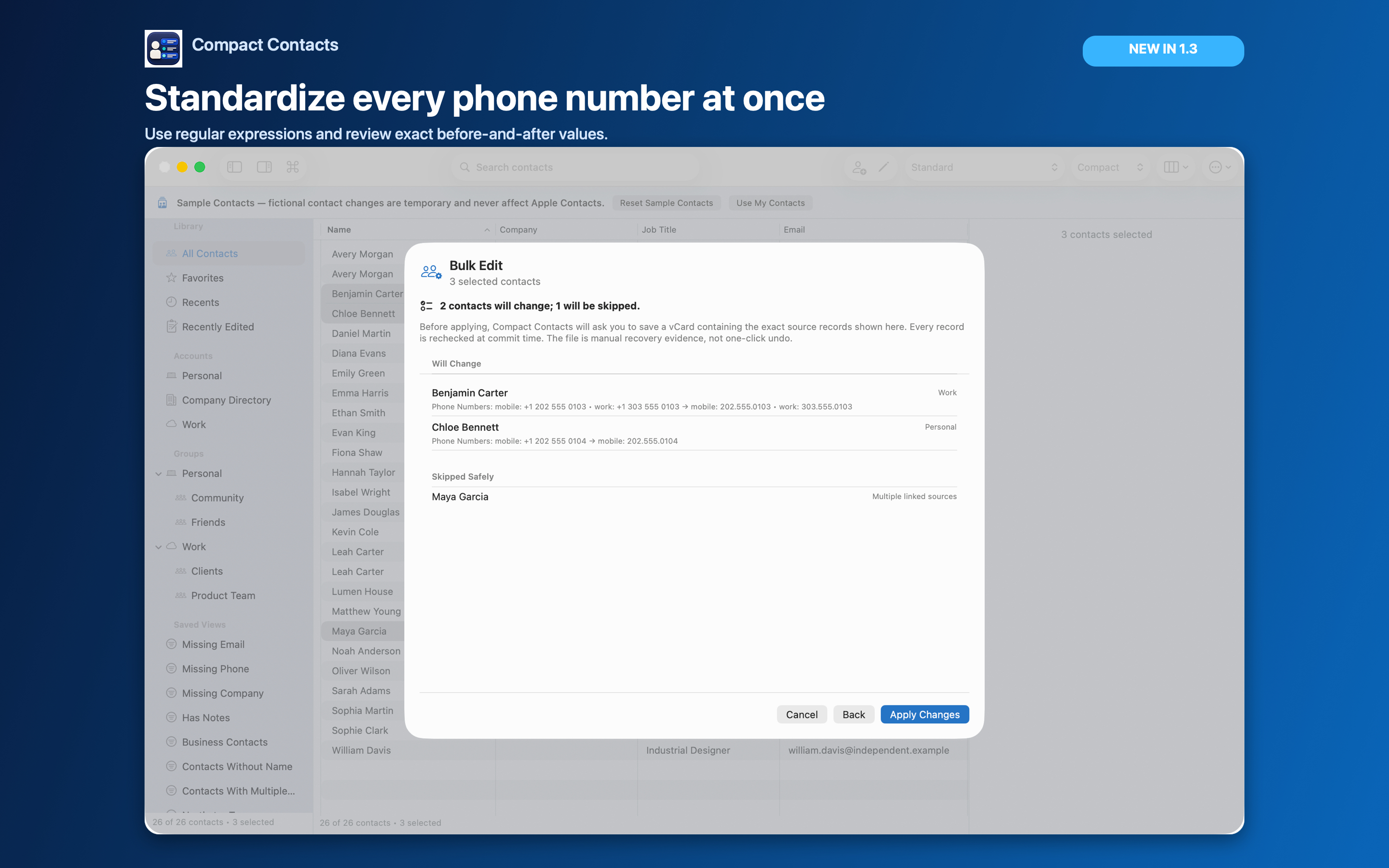
- Review, save recovery, apply. Choose Review Changes, read the Will Change and Skipped Safely lists, save the recovery vCard, and choose Apply Changes.
How “duplicate” is decided
The first entry of each value is kept and later repeats on the same card are removed. Values are never compared across different contacts.
| Field | Treated as the same when |
|---|---|
| Phone | The digits match. Spaces, dashes, and brackets are ignored; a country code adds digits. |
| The address matches ignoring upper and lower case. | |
| URLs, relationships | The text matches ignoring case, accents, and full-width forms. |
| Postal addresses | The whole address matches, not just one line. |
Labels matter by default
A home and a work entry with the same number are kept by default, because some people really do use one number for both. Turn on Treat different labels as duplicates only when you want one entry per value regardless of label.
The preview shows which labeled entry survives, so you can check that the label you prefer is the one kept.
Important: Read-only and linked records are skipped and listed. A preview is not a backup; keep the recovery vCard until you have checked the result.
Questions people ask
Does this merge duplicate contacts?
No. It cleans values inside each card. To combine two cards for one person, use Merge Studio.
Is it available on iPad?
Yes. Version 1.5 ships the same Bulk Edit operation on Mac and iPad.
Can I undo it?
Bulk Edit has no automatic undo. The recovery vCard you save before applying holds the original values.