
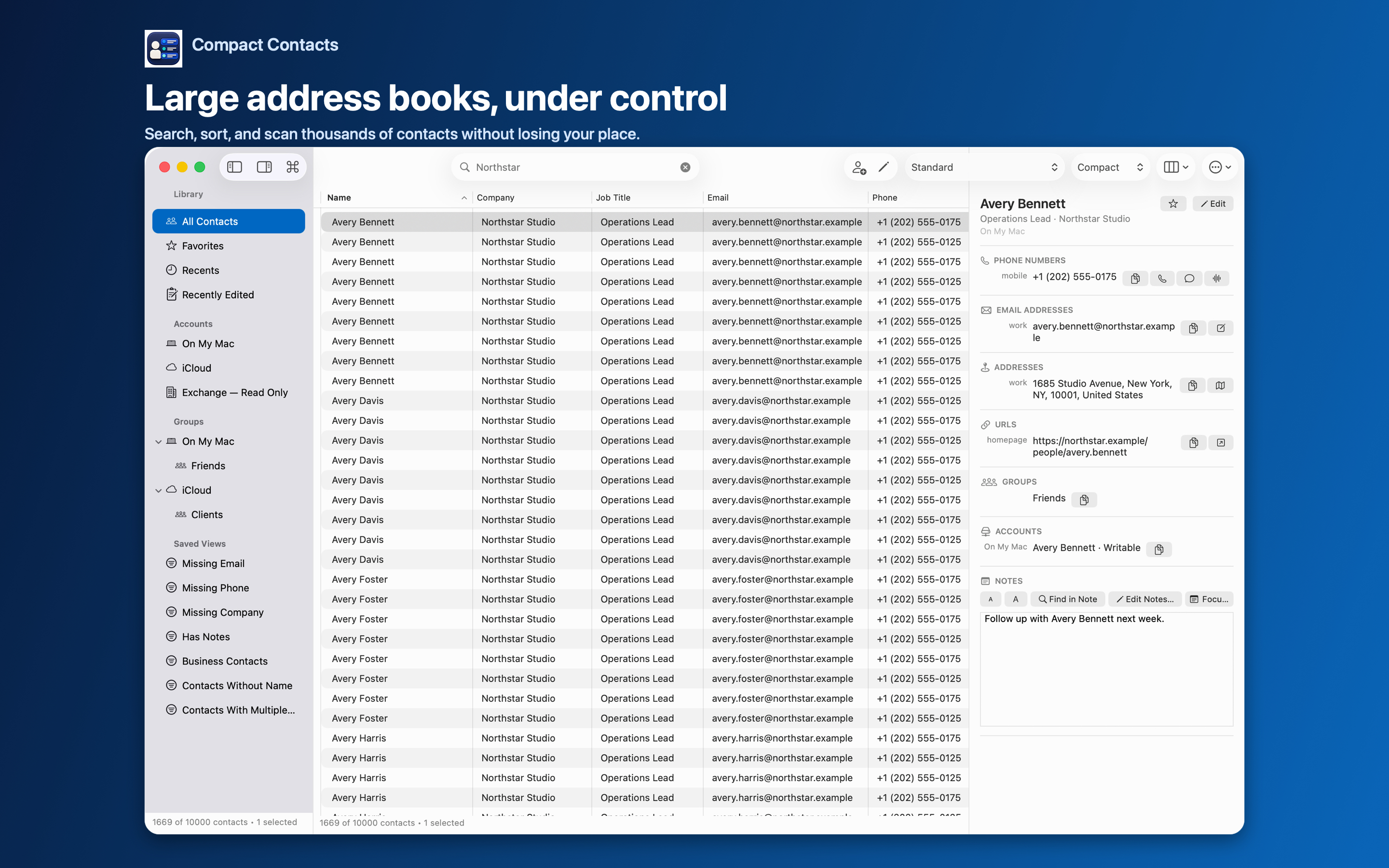
After a cleanup session it is useful to look back: which cards did I change, and do they look right? Apple Contacts does not keep such a list.
Compact Contacts records an edit only after it has been saved successfully, and shows those contacts under Recently Edited.
What is included
- Single-contact edits saved in Compact Contacts on this device.
- Contacts changed by a successful Bulk Edit.
- Up to the 100 most recent contacts, newest first, without repeats.
What is not included
The list stores only an opaque contact identifier and a time, never names, field values, or Notes. It is not a provider-wide change history.
- Edits made in Apple Contacts, another app, or another device.
- Edits from before the feature was introduced in version 1.2.
- Contacts that were deleted since.
Recents vs Recently Edited
| List | Shows |
|---|---|
| Recents | Contacts you opened in Compact Contacts |
| Recently Edited | Contacts whose changes you saved in Compact Contacts |
| Favorites | Contacts you marked as favorites in the app |
Questions people ask
Why doesn’t an edit from my iPhone appear?
Recently Edited only records saves made in Compact Contacts on this device.
Can I export the list?
Select the contacts in the list and use Export Center with Current Selection.
Is it on iPad too?
Yes. iPad keeps its own Recently Edited list for edits saved there.