
A big cleanup fixes an address book once. A small routine keeps it fixed. New contacts arrive from calls, emails, and imports every week, and each one is easier to fix while you still remember who it is.
The 15-minute routine
- Check new and nameless cards. Open Contacts Without Name and name or remove what you can identify.
- Open your audit views. Missing Company and Missing Email for work contacts; fix five to ten.
- Remove repeated values. Select Contacts With Multiple Emails and run Remove duplicate values.
- Scan for duplicates. Find Potential Duplicates; merge anything new.
- Glance at Recently Edited. Confirm this month’s edits look right.
Quarterly extras
- Export a fresh Contacts Archive and delete old ones.
- Review groups: remove people who no longer belong.
- Update company and title for people who changed jobs.
Make it easy to start
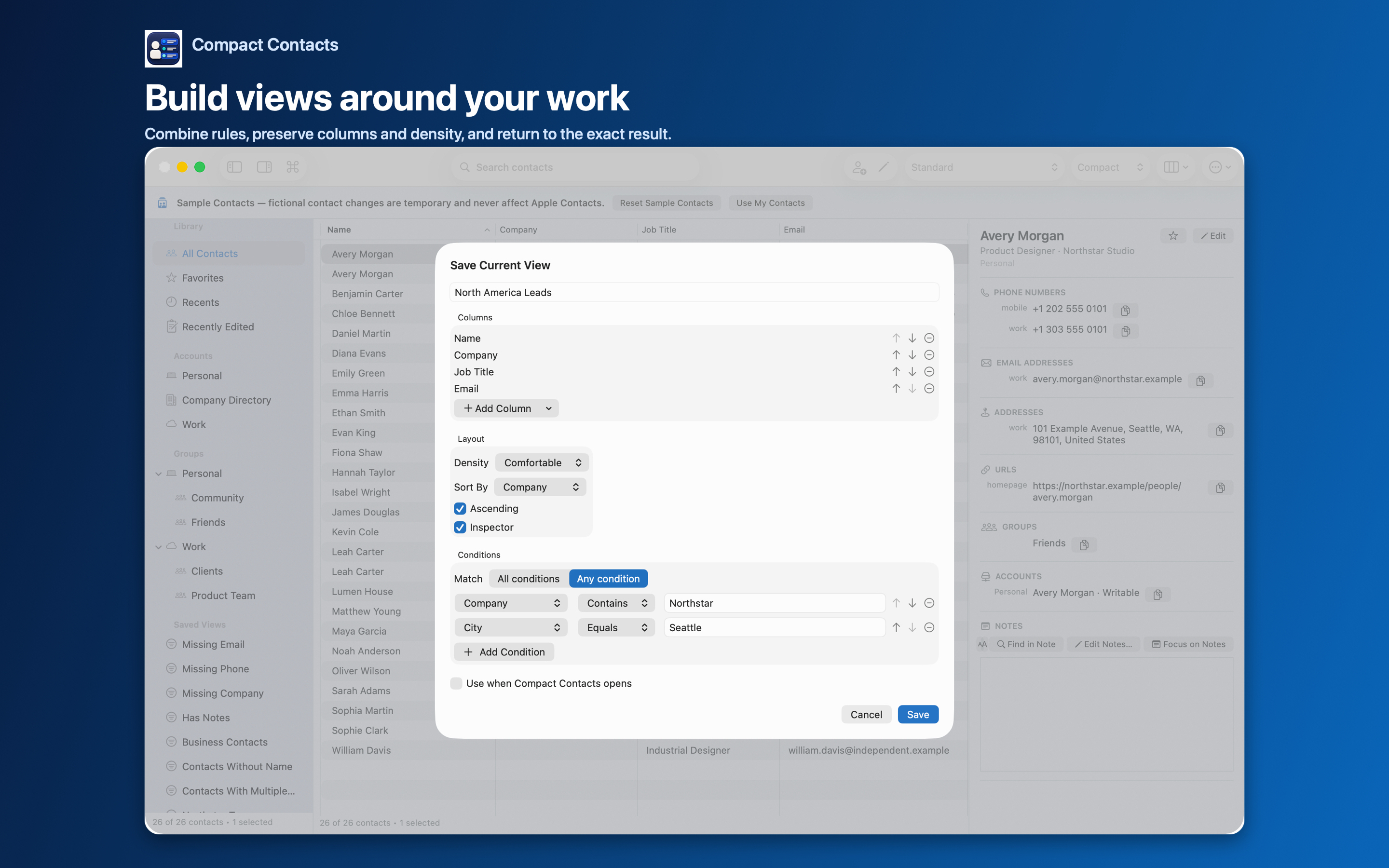
Put your audit views at the top of the Smart Views list and give them clear icons (Mac and iPad 1.5). A routine you can start with one click is one you will keep.
Questions people ask
Do I need to back up every month?
Before any deletion, yes. For small edits, the Bulk Edit recovery vCard is enough.
Can I do this on iPad?
Yes. The same views and tools exist on iPad.
What if a view is empty?
Good. Skip to the next step.