
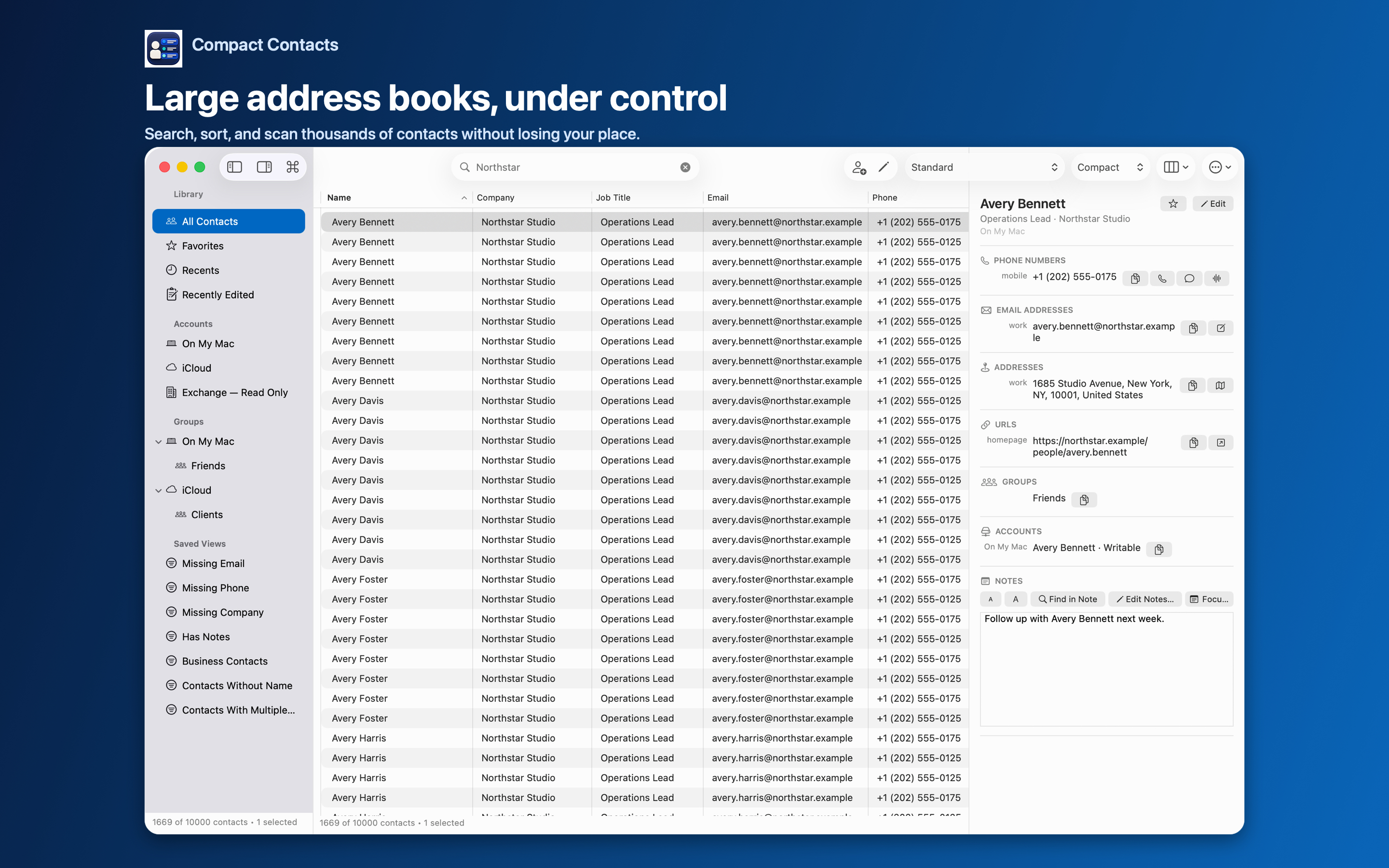
Work accounts often expose colleagues from a global address list. Those records belong to your organization’s directory, and your Mac is only allowed to read them.
Contacts permission on the Mac cannot override that. Knowing which records are read-only saves time and confusion.
How read-only shows up
- The Command Palette labels the account “Read-only account”.
- Bulk Edit lists these records under Skipped Safely.
- Delete Contacts… lists them under Will not be deleted.
- Adding them to a group is not possible.
What you can still do
| Task | Possible? |
|---|---|
| View, search, sort | Yes |
| Export CSV or vCard | Yes |
| Edit fields | No; ask the directory owner |
| Merge into a writable card | Merge Studio can create a card in a writable account; the original stays |
Keep a personal copy only when needed
If you need your own notes about a colleague, create a personal contact in iCloud rather than trying to edit the directory card. Be aware that you now have two cards for one person.
Mark such cards with a group like “Work notes” so they are easy to review later.
Questions people ask
Is this a bug in Compact Contacts?
No. The account provider decides write access. Apple Contacts has the same restriction.
Why can I edit some Exchange contacts but not others?
Contacts in your own Exchange contacts folder are usually writable; directory entries usually are not.
Can I delete directory contacts?
No. They are managed by the organization.