
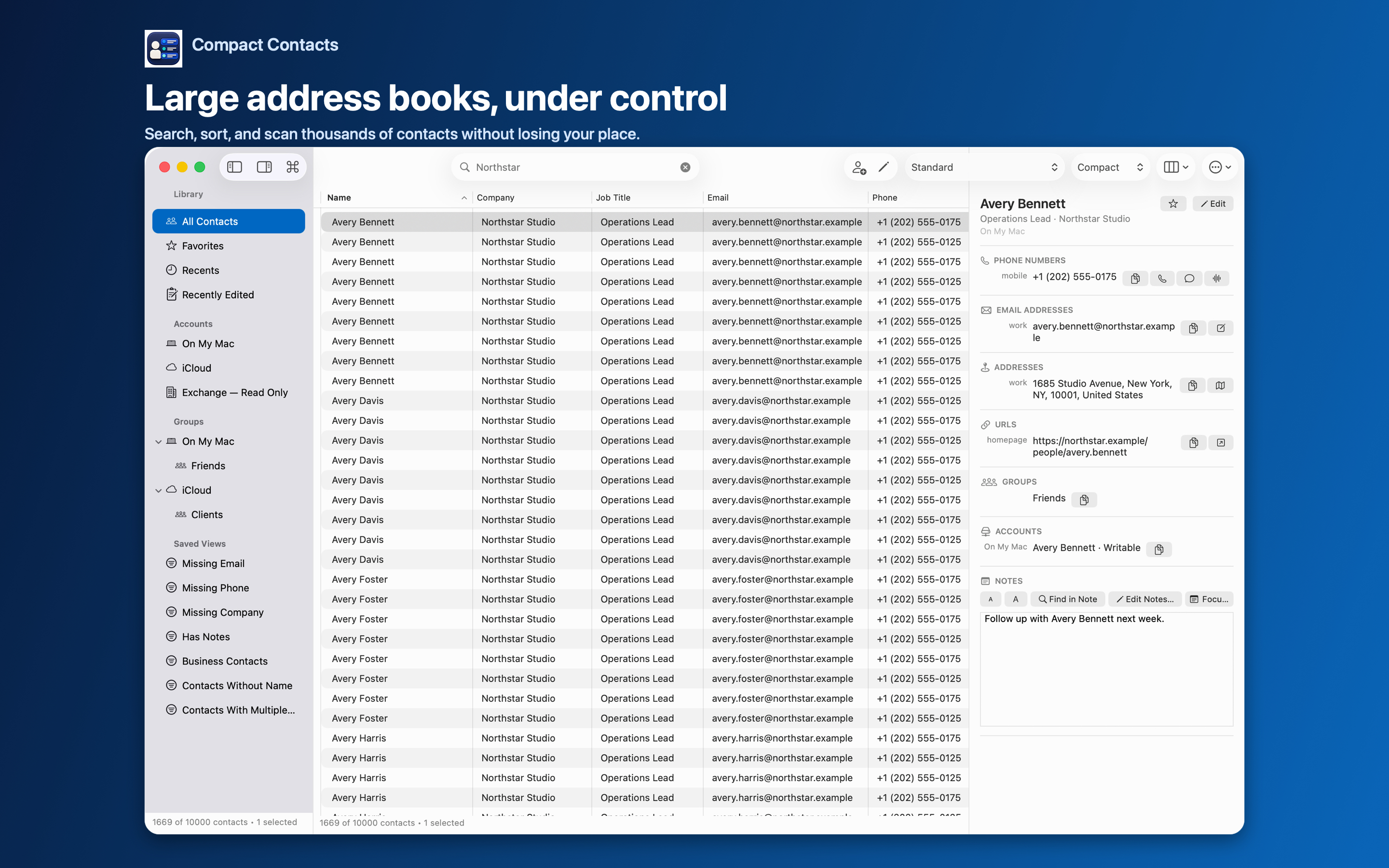
Many Macs have contacts in several places: iCloud for personal contacts, Google from an old Android phone, Exchange from work. Apple Contacts shows them together, which hides who owns what.
Ownership matters. It decides which groups a contact can join, whether it can be edited, and where a change syncs.
Make ownership visible
- Add the Account column. It shows each contact’s account in the table.
- Use the Accounts section of the sidebar. Select one account to see only its contacts.
- Recognize generic account names. Contacts sometimes reports an account as “Card” or “Address Book”. Check System Settings › Internet Accounts to see which provider it is. On iPad, Settings › Account Names lets you set a local label.
Rules that follow from ownership
| Action | Account rule |
|---|---|
| Add to group | Group and contact must be in the same account |
| Edit | Read-only accounts cannot be changed; Bulk Edit skips them |
| Merge | Merge Studio writes to a writable destination account you choose |
| New contact or group | Created in the default or chosen writable account |
Avoid accidental duplicates
The same person often exists in two accounts. Apple Contacts may link these cards so they look like one. Before merging, decide which account should keep the person.
Contacts.framework has no public way to move a contact between accounts. Merge Studio creates the merged card first, verifies it, and removes originals only as a separate step.
Questions people ask
Does Compact Contacts add a new account?
No. It works with accounts configured in System Settings › Internet Accounts.
Can I filter a Smart View by account?
Yes. Account is a Smart View field.
Why don’t I see my Outlook contacts?
Contacts stored only inside Outlook’s own database are not visible to macOS Contacts.