
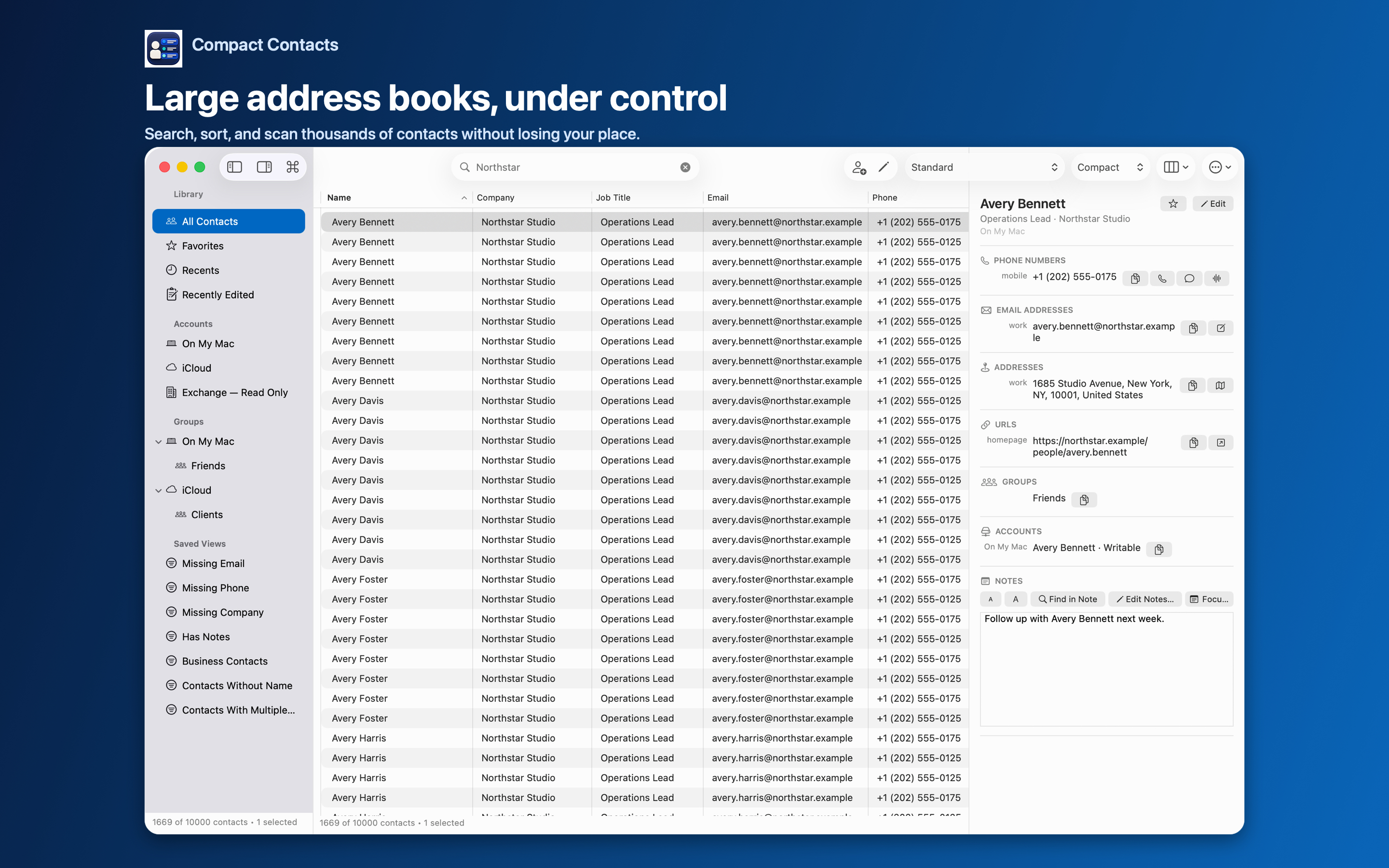
Before selecting a duplicate remover, locate the records. Outlook’s contact folders, provider records, and the contacts exposed by macOS are not interchangeable scopes.
Compact Contacts does not read Outlook’s private database directly. The steps below help determine whether a system-contact workflow applies; they are not a promise to repair Outlook synchronization.
Locate the records in Outlook
Open People in Outlook for Mac and inspect the folder and account containing each duplicate-looking card. Microsoft documents that new contacts normally go into the default Contacts folder unless another folder is selected first.
Microsoft also documents local On My Computer storage for account types that do not support contact storage or synchronization in Outlook. A locally stored Outlook record should not be assumed to exist in Apple Contacts.
Check Apple Contacts separately
- Search for the same person in Apple Contacts. Check the account list and compare a distinctive email or phone number, not just the name.
- Compare fields and sources. Confirm whether the duplicate records themselves appear. One combined or linked display is not necessarily two writable source cards.
- Choose the correct tool. If the records appear only in Outlook, handle them using the applicable Outlook or provider workflow. If they are exposed through macOS Contacts, a system-contact tool may be relevant, subject to permissions.
Avoid creating another copy while investigating
Do not repeatedly export and reimport contacts merely to make another app display them. Record the source account and compare the current cards before any import, merge, or deletion.
If an account is missing from Apple Contacts, first check whether that provider and your organization allow contact access through macOS. Adding an account or changing synchronization settings affects data access; it is a separate decision from deleting a duplicate.
If the records are available through macOS
Back up the affected contacts, then choose whether to keep, link, merge, or delete each candidate. A work and a personal card may need to stay separate. In Compact Contacts, inspect the account and eligible fields before applying any change.
A verified local edit is not proof that Outlook or another device has synchronized. Check the provider and destination separately.
Questions people ask
Can Compact Contacts clean every Outlook contact folder?
No. It can work only with contacts made available through Apple’s Contacts framework and the allowed source permissions. It does not open Outlook’s private store.
Does signing into Outlook add that account to Apple Contacts?
Do not assume so. Check the account and matching records in Apple Contacts separately.
Will changing contact apps fix repeated duplicates?
Not necessarily. Repeated imports or provider synchronization may need investigation at the source before another cleanup.