
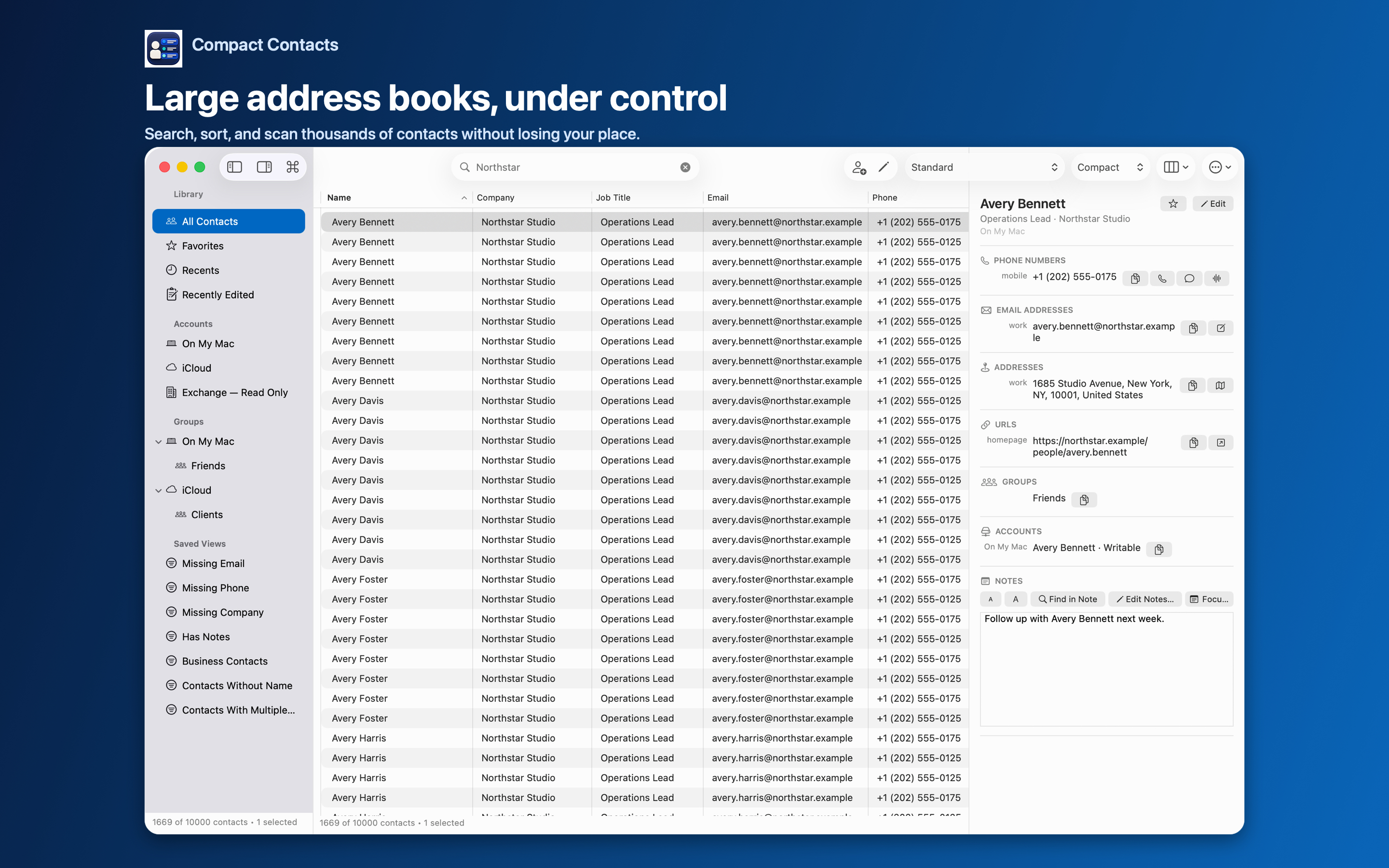
Past a few thousand contacts, an address book stops being something you browse. Scrolling is useless, and every cleanup feels too big to start.
The fix is to work in slices: a search, a view, a selection, one change at a time.
Habits that scale
| Instead of… | Do this |
|---|---|
| Scrolling for a person | Command-F or Command-K |
| One huge cleanup | A Smart View per problem, worked in batches |
| Twenty columns | Four to six columns per task, saved as layouts |
| Editing everything at once | Bulk Edit on a selection with a preview |
What the app does for speed
Search runs against an on-device index and ignores case and accents. Notes indexing is optional, runs after the main list loads, and shows progress.
Version 1.5 does less repeated work when sorting, filtering Smart Views, searching, and refreshing after changes. Notes indexing has been exercised with synthetic libraries of up to 50,000 contacts; real speed depends on your data and Mac.
When contacts change outside the app
Compact Contacts applies incremental changes from the system. If that history cannot be applied safely, it reloads the whole address book and tells you why, rather than showing stale data.
Contact › Reload Contacts (Shift-Command-R) forces a fresh load.
Questions people ask
Is there a contact limit?
No fixed limit. Performance depends on your Mac, your accounts, and how much Notes text you index.
Should I turn off Notes search?
Leave it off if you do not search Notes; turning it off also frees its memory.
Does duplicate scanning slow down with size?
It takes longer, shows progress, and can be cancelled.