
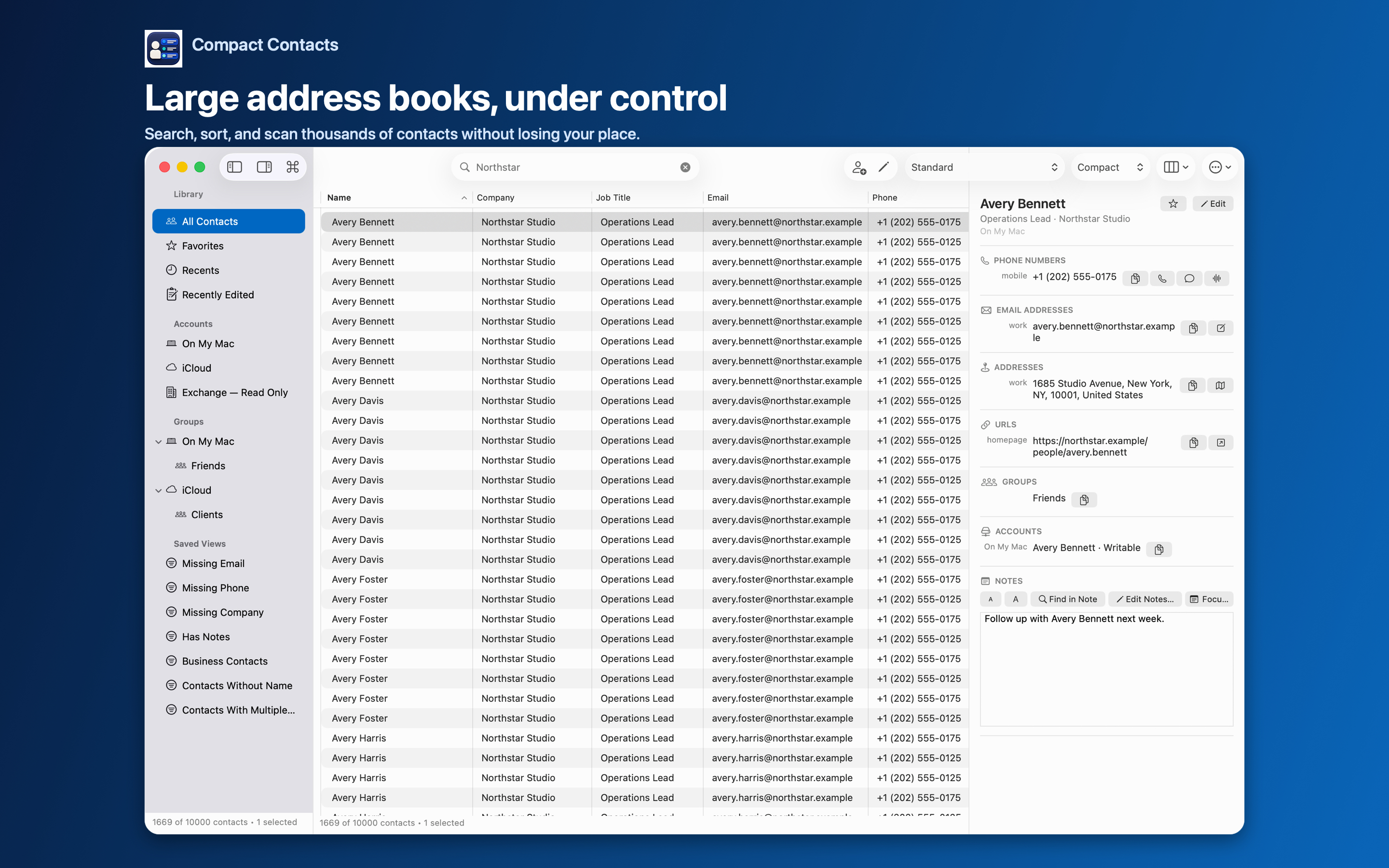
Reviewing a large address book is mostly moving, reading, and making small corrections. Reaching for the pointer between each step adds up.
Compact Contacts is a native Mac app, so standard shortcuts work, and each main action has its own key combination listed in the menus.
Shortcut reference
| Action | Shortcut |
|---|---|
| Command Palette | Command-K |
| Search contacts | Command-F |
| Previous / next contact | Up Arrow / Down Arrow |
| New contact | Command-N |
| Edit contact | Command-E |
| Save / cancel edit | Command-S / Escape |
| Bulk Edit… | Option-Command-E |
| Find Potential Duplicates… | Shift-Command-D |
| New Smart View… | Option-Command-V |
| New Group… | Shift-Command-G |
| Export Center… | Shift-Command-E |
| Import vCard… | Shift-Command-I |
| Open in Apple Contacts | Option-Command-O |
| Reload Contacts | Shift-Command-R |
| Show/Hide Sidebar | Control-Command-S |
| Show/Hide Inspector | Option-Command-I |
Editing without the pointer
In the table, supported cells can be edited in place: Return saves, Escape cancels, and Tab saves and moves to the next cell.
In the full editor, Command-S saves and Escape cancels. If the contact changed elsewhere while you were typing, Compact Contacts asks which value to keep instead of overwriting silently.
A keyboard-only review loop
- Filter. Command-K, type the name of a Smart View such as Missing Company, press Return.
- Move. Use the arrow keys to step through results while the Inspector shows each card.
- Fix. Command-E to edit, correct the field, Command-S to save.
- Batch. Shift-click or Command-A to select rows, then Option-Command-E for Bulk Edit.
Questions people ask
Are there shortcuts on iPad?
With a hardware keyboard: Command-K for the Command Palette, Command-N for a new contact, Command-E to edit, and Command-S to save.
Can I change these shortcuts?
macOS lets you assign custom shortcuts to menu items in System Settings › Keyboard › Keyboard Shortcuts › App Shortcuts.
Does Command-A select every contact in the address book?
It selects the rows in the current list, which follows the active search and filters.