
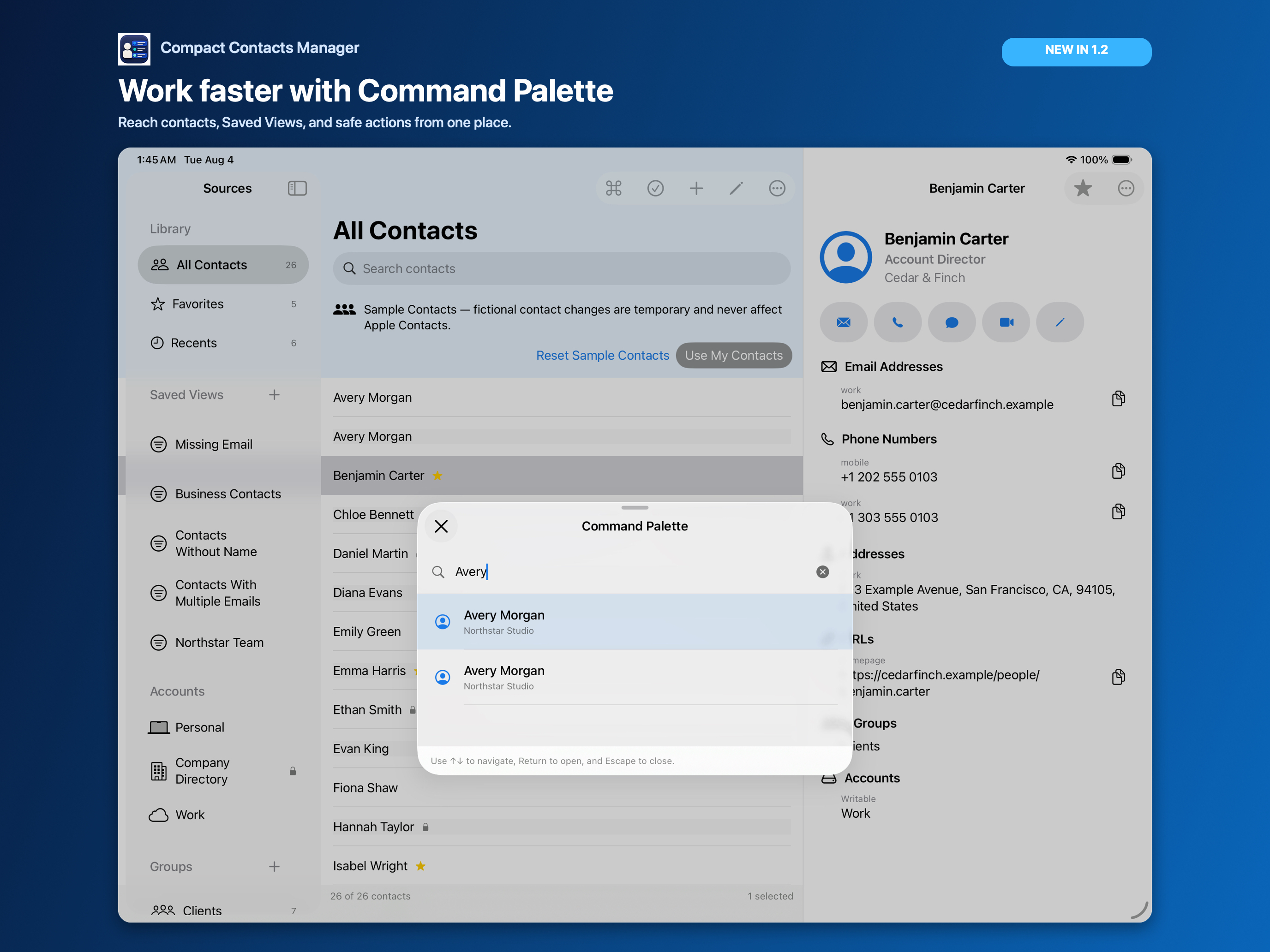
Once an address book has a dozen Smart Views, several groups, and three accounts, the sidebar becomes a list you scroll through. A command palette replaces scrolling with typing.
In Compact Contacts, Command-K opens one search box for everything you can go to or do.
What the palette finds
| Type | Example |
|---|---|
| Contact | Type “avery” to open Avery Morgan |
| Smart View | Type “missing” to open Missing Phone |
| Group | Type “clients” to show the Clients group |
| Account | Type “icloud” to show one account; it shows whether the account is writable |
| Command | Open Bulk Edit, Open Export Center, Review Potential Duplicates, Import vCard, Save Current Filters as a View, Open Settings |
Using it
- Open. Command-K on Mac, or Command-K on iPad with a keyboard.
- Type. A few letters are enough. Results update as you type.
- Choose. Up and Down Arrow move through results, Return opens one, Escape closes the palette.
Why a command is sometimes unavailable
Commands explain themselves instead of silently doing nothing. Open Bulk Edit asks you to select at least two contacts first; Import vCard needs Contacts access and a writable account; Save Current Filters as a View waits until the current operation finishes.
Questions people ask
Is the palette in a menu?
It is reached with Command-K. Most of its commands also have a regular menu item or toolbar button.
Does the palette search Notes?
It finds contacts, views, groups, accounts, and commands. Use the main search with Notes search on to look inside Notes.
Does it work in Sample Contacts?
Yes. Commands that need real Contacts access say so.