
Apple Contacts has no built-in list for “contacts in no group.” If you organize your address book with groups such as Clients, Family, or Suppliers, new contacts quietly accumulate outside all of them.
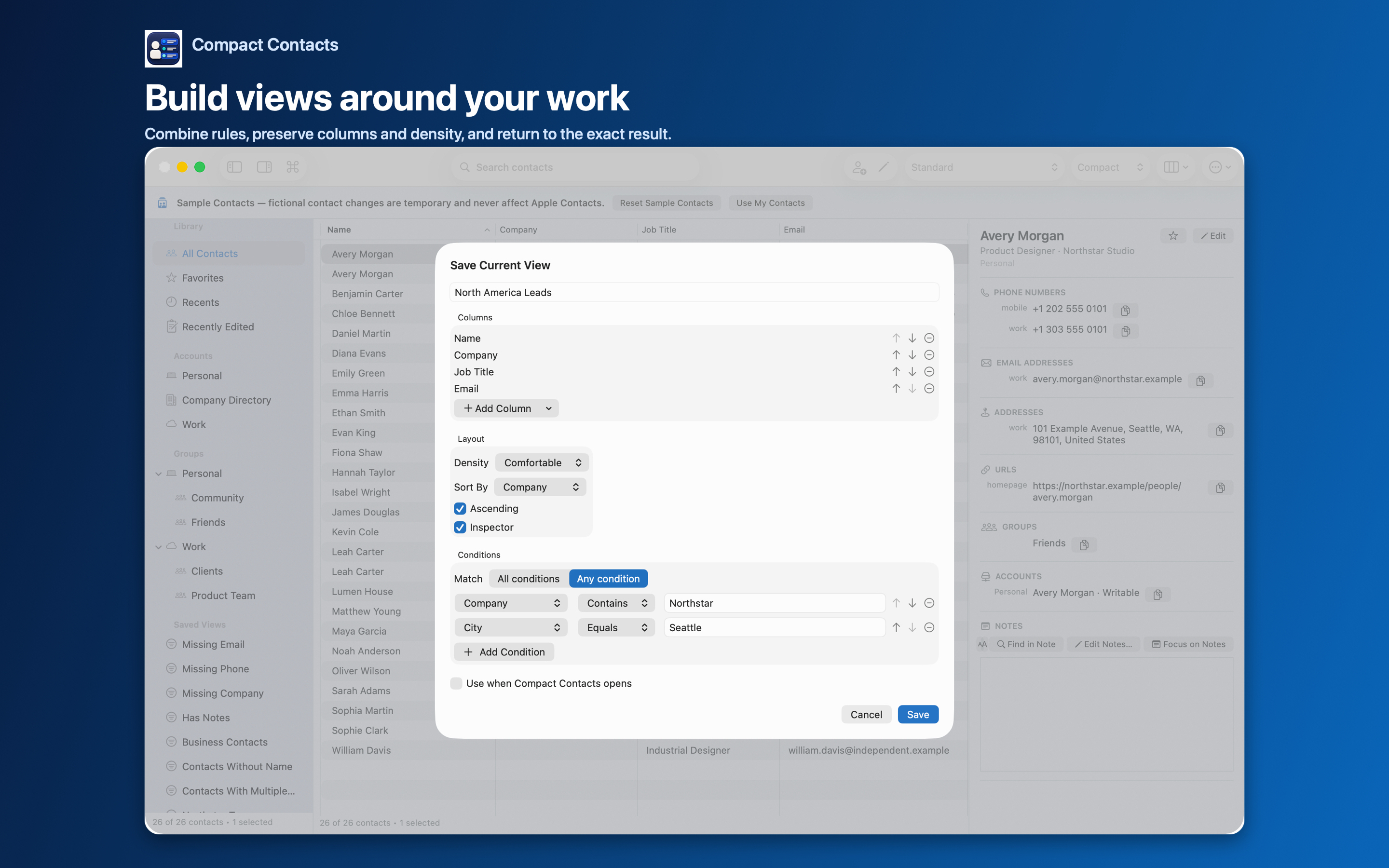
Compact Contacts can answer this with a Smart View. The view is a saved filter: it recalculates as groups change and never copies or moves contacts.
Build the view
- Choose Contact › New Smart View…. Or press Option-Command-V. Name it clearly, for example “No group”.
- Add the condition. Set the field to Group and the operator to Missing. No value is needed.
- Optionally limit by account. Add Account Equals iCloud (or your account) with All conditions if your groups live in one account. Groups belong to accounts, so a Google contact cannot join an iCloud group.
- Save and check one known contact. Open a contact you know has no group and confirm it appears. Then open one you know is grouped and confirm it does not.
File contacts in small batches
Sort the view by Company or City, select a handful of contacts that belong together, and choose Contact › Add to Group…. The dialog lists native groups; pick the one that fits.
Each contact leaves the view as soon as it joins a group. That shrinking list is your progress indicator.
Important: Removing a contact from a group never deletes the contact. Deleting a group removes only the group; its members stay in your address book.
Decide what “ungrouped” should mean
Not every contact needs a group. A plumber you called once may belong nowhere. Consider a single catch-all group such as “Reviewed” so the view only shows contacts you have not looked at yet.
If your structure is really a set of conditions (for example, everyone at one company), a Smart View may serve better than a group.
Questions people ask
Does the Smart View sync to my other devices?
No. Smart Views are app-local filters. Groups you add contacts to are native Contacts groups and sync through their account.
Why can’t I add a contact to a group?
The group and the contact must be in the same writable account. Read-only directories cannot be changed.
Can I use this on iPad?
Yes. iPad supports the same Smart View conditions and native group actions.