
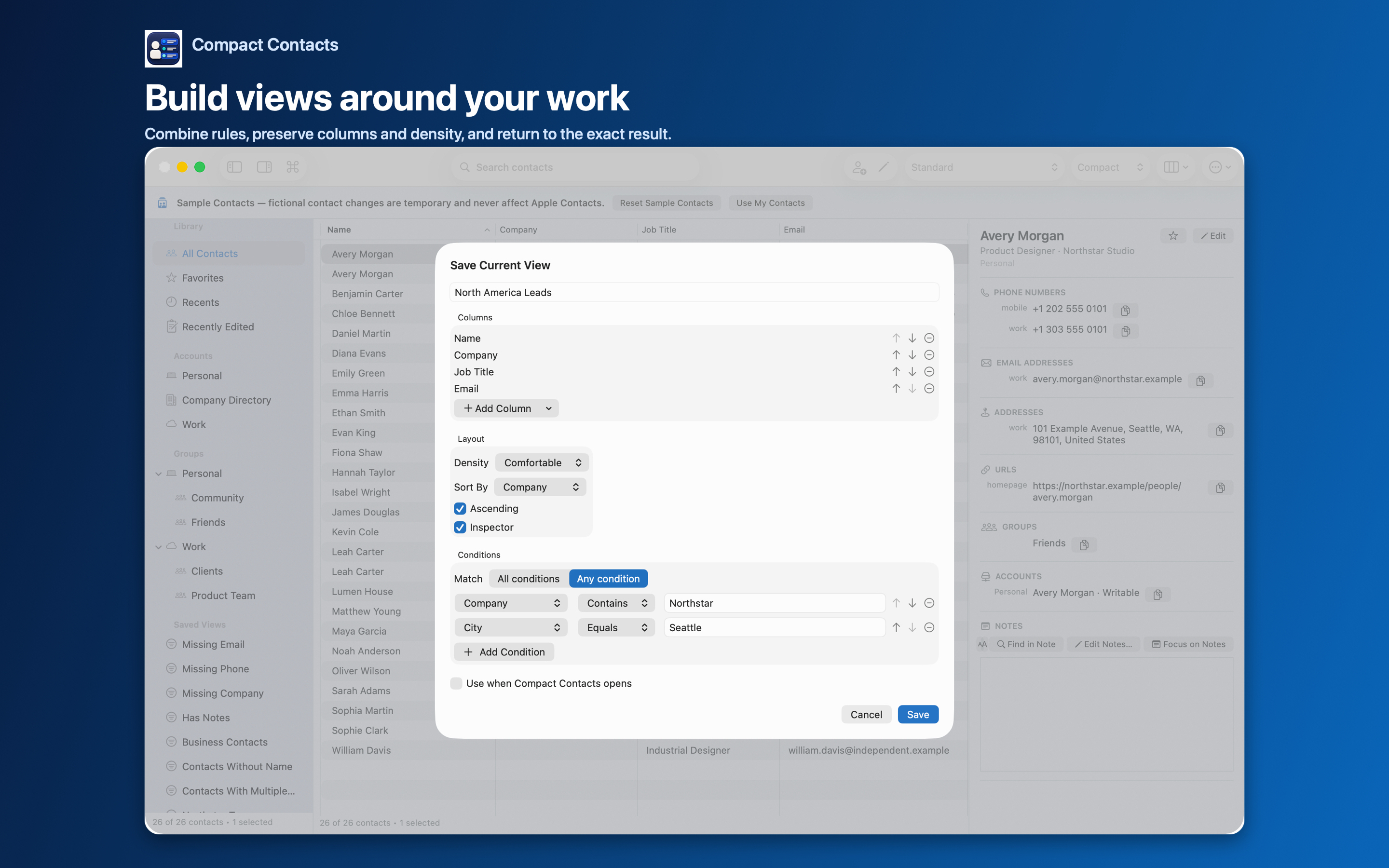
Both groups and Smart Views put contacts into lists, so they are easy to confuse. They work very differently.
A group is a native Contacts object stored in an account. A Smart View is a rule stored in Compact Contacts.
Side by side
| Group | Smart View | |
|---|---|---|
| Membership | You add and remove people | Calculated from conditions |
| Syncs to iPhone | Yes, through the account | No, app-local |
| Visible in Apple Contacts | Yes | No |
| Crosses accounts | No, one account per group | Yes |
| Keeps its own layout | No | Yes, columns and sorting |
| Good for | Family, Clients, Event guests | Missing Phone, Company contains X, Birthdays soon |
Use both together
A Smart View can use a group as a condition. “Clients without email” is Group equals Clients plus Missing Email with All conditions.
A Smart View can also help you maintain groups: Group Missing shows everyone not yet filed.
Common mistakes
- Expecting a Smart View to appear on the iPhone Contacts app.
- Creating a group for a rule that will change, then forgetting to update it.
- Trying to add a Google contact to an iCloud group.
Questions people ask
Can I turn a Smart View into a group?
Select all contacts in the view and use Add to Group…. The group will not update automatically afterwards.
Does deleting a Smart View delete contacts?
No. Only the rule is removed.
Can I export either one?
Yes. Both are scopes in Export Center.