
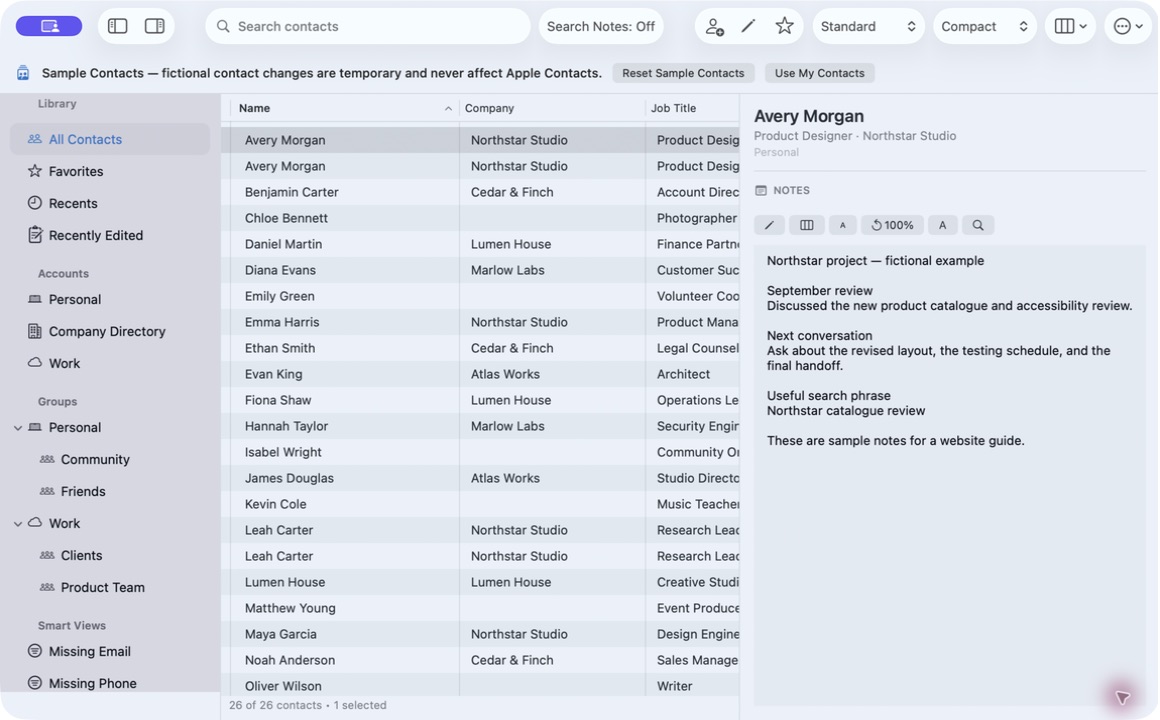
Since iOS 13 and macOS Catalina, Apple treats the contact Notes field as more sensitive than names and numbers. Granting an app Contacts access does not by itself let it read Notes.
Apps must be separately approved by Apple for a managed Notes capability. Compact Contacts has that approval for both its Mac and iPad apps.
What must be true to see Notes
| Requirement | Where to check |
|---|---|
| Contacts permission granted | System Settings › Privacy & Security › Contacts (iPad: Settings › Privacy & Security › Contacts) |
| App build includes the Notes capability | Install the current version from the App Store |
| Account provides a Notes field | Check the same card in Apple Contacts |
| Account allows writing | Read-only accounts show Notes but cannot save them |
What the app does when Notes are unavailable
- The Notes section and Notes search are hidden or marked Notes unavailable.
- vCard import omits Notes and says so in the preview.
- Deletion is blocked, because the recovery backup must preserve Notes.
Troubleshooting
- Update the app. Older or non-App Store builds may lack the capability.
- Check permission. Turn Contacts access off and on again if it looks stuck, then relaunch.
- Compare with Apple Contacts. If Apple Contacts shows no note either, the account does not provide one.
Questions people ask
Why did Apple add this restriction?
Notes often contain sensitive personal information, so Apple limits which apps can read them.
Are my Notes uploaded for search?
No. The Notes index is kept in memory on the device.
Is this the Apple Notes app?
No. It is the Notes field on each contact card.