Calling someone from the iPhone Contacts app takes three taps: find the name, open the card, tap the number. When you work through a list of people, the extra taps add up.
In Compact Contacts Manager the common actions sit on the row itself.
Swipe actions
A full swipe to the right runs the first action. The call or message itself opens in Phone or Messages, as usual.
| Gesture | Actions | Shown when |
|---|---|---|
| Swipe right | Call, Message | The contact has a phone number |
| Swipe right | New Email | The contact has an email address |
| Swipe left | Add to Favorites or Remove from Favorites | Always |
| Swipe left | Edit | The card is not read-only |
Touch and hold for more
- Open or Edit the card.
- Copy the name, primary phone number, or primary email without opening anything.
- Add to Group, when the account has writable groups.
- Export the contact, or Delete Contacts… with a confirmation.
The full card, one scroll
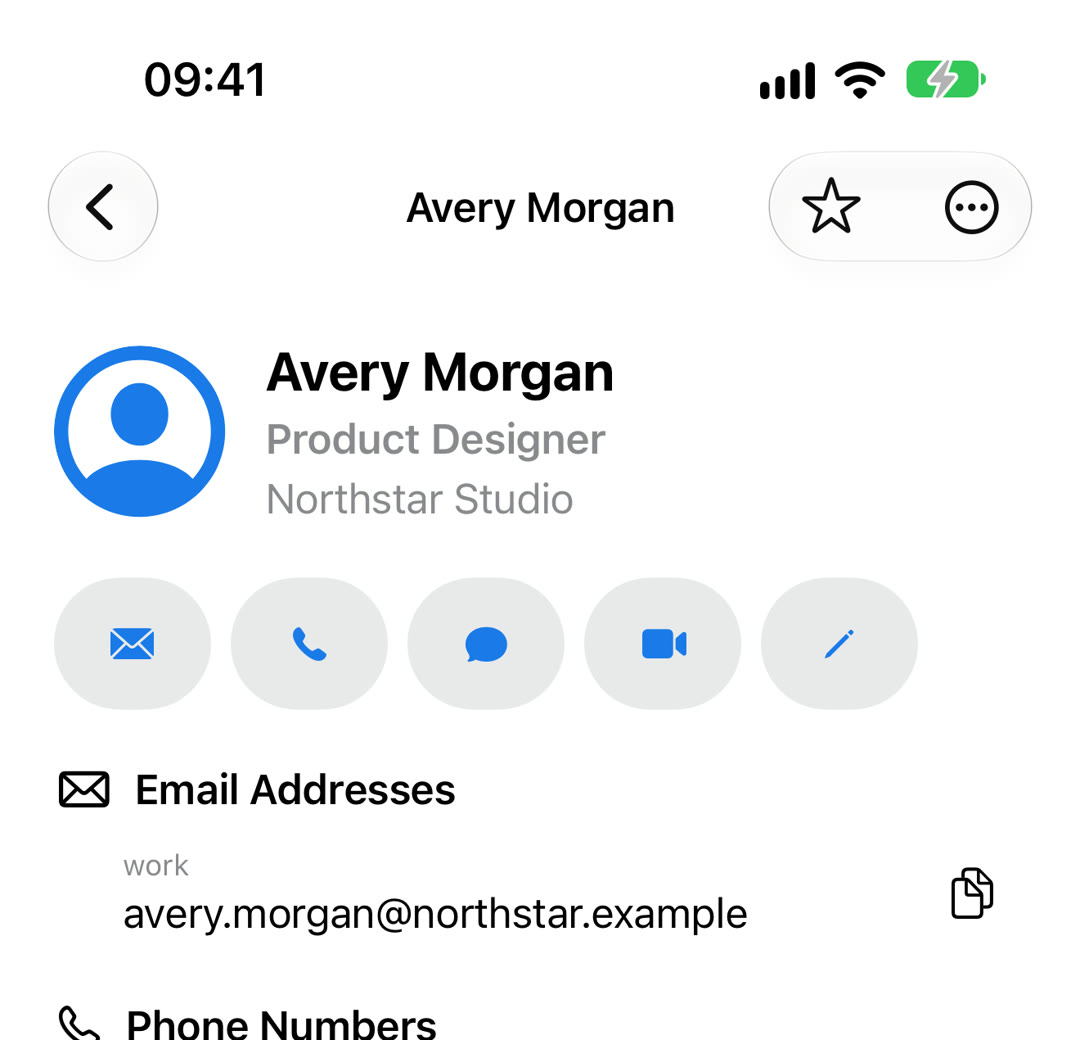
Tap a name for the full card. Under the name are buttons for email, call, message, FaceTime Audio, and edit. Below them are the email addresses, phone numbers, addresses (tap to open Maps), URLs, social profiles, dates, relationships, groups, accounts, and Notes. Each section appears only when it has data.
Email, phone, and URL rows have a copy button. The More menu copies the whole card in formats such as Single Line, Business, or Markdown, ready to paste into a message.
Signs on a row
- A star marks a favorite.
- A link icon marks a card linked to a card in another account.
- A lock marks a read-only card, for example from a company directory.
Questions people ask
Does swiping change my contacts?
Call, Message, and New Email only hand off to the iPhone’s own apps. Favorites are stored in the app. Edit changes the card only after you save.
Why is there no Call action on some rows?
The contact has no phone number. Email appears only when there is an email address, and Edit only when the card is writable.
Do the actions work in Sample Contacts?
No. Sample Contacts are fictional, so calling, messaging, and Maps are turned off there.