
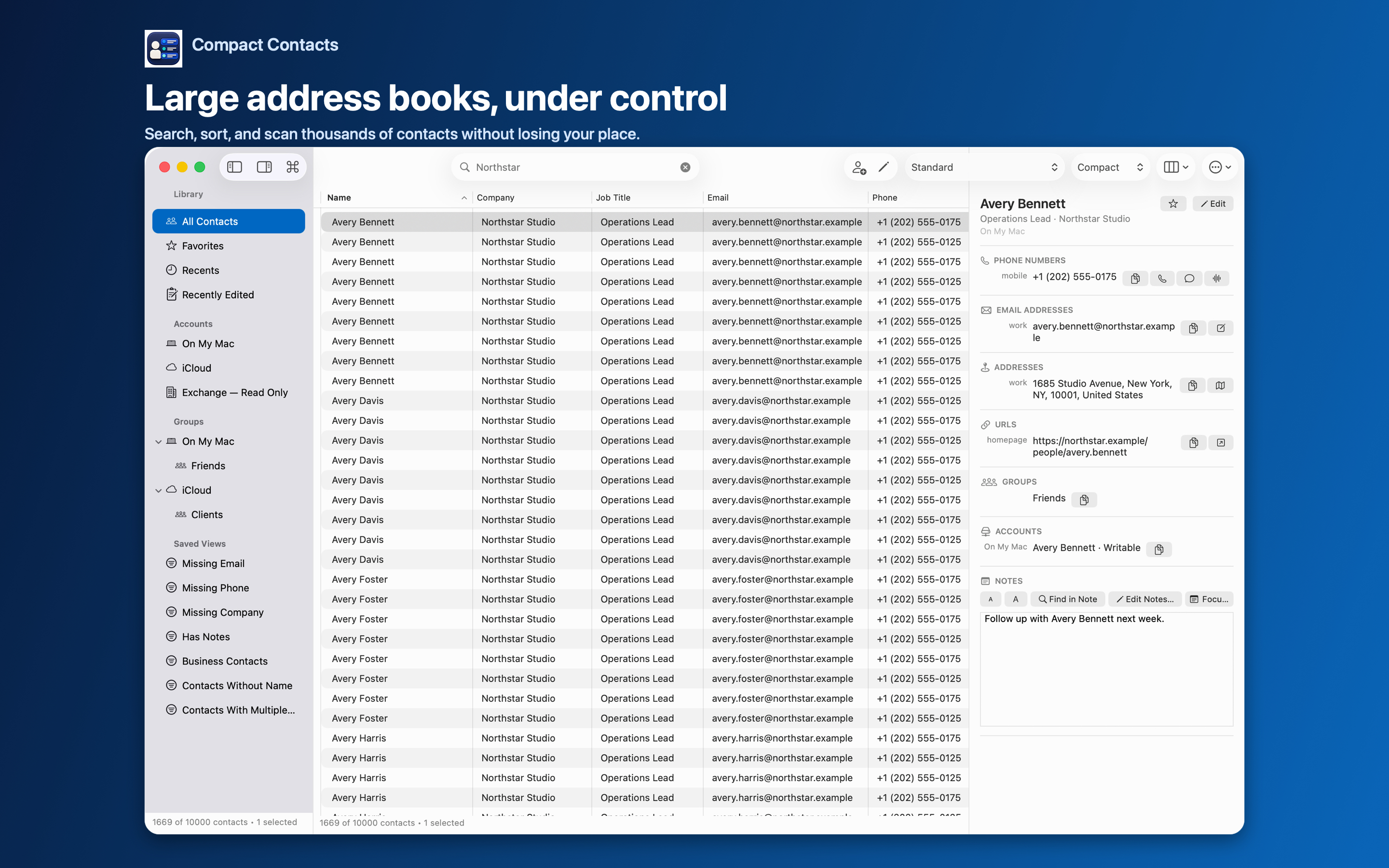
“Local-first” is used loosely in marketing. For a contact manager, a useful definition is concrete: where are the contacts stored, where is processing done, and who else receives a copy?
A practical definition
| Question | Local-first answer | Compact Contacts |
|---|---|---|
| Where are contacts stored? | In the system database | Apple’s Contacts database |
| Where is search done? | On the device | On-device index; Notes index in memory |
| Is there a developer server? | No | No contact cloud or account |
| Does it work offline? | Yes | Yes; sync resumes through your provider |
What it does not mean
It does not mean your contacts never leave the Mac. If you use iCloud, Google, or Exchange, those providers sync them. Local-first means the app itself adds no further destination.
It also does not mean the app keeps nothing. Compact Contacts stores preferences such as layouts, Smart Views, favorites, and references to recent contacts, plus encrypted merge recovery for 30 days.
Why it matters
- No second copy to breach or keep in sync.
- No account to create or close.
- If you stop using the app, your contacts are exactly where they were.
Questions people ask
Can the app work without internet?
Yes. Everything runs on the device.
Is the merge recovery data encrypted?
Yes. It is kept privately on the device for 30 days.
Does uninstalling remove my contacts?
No. Contacts stay in Apple’s database.